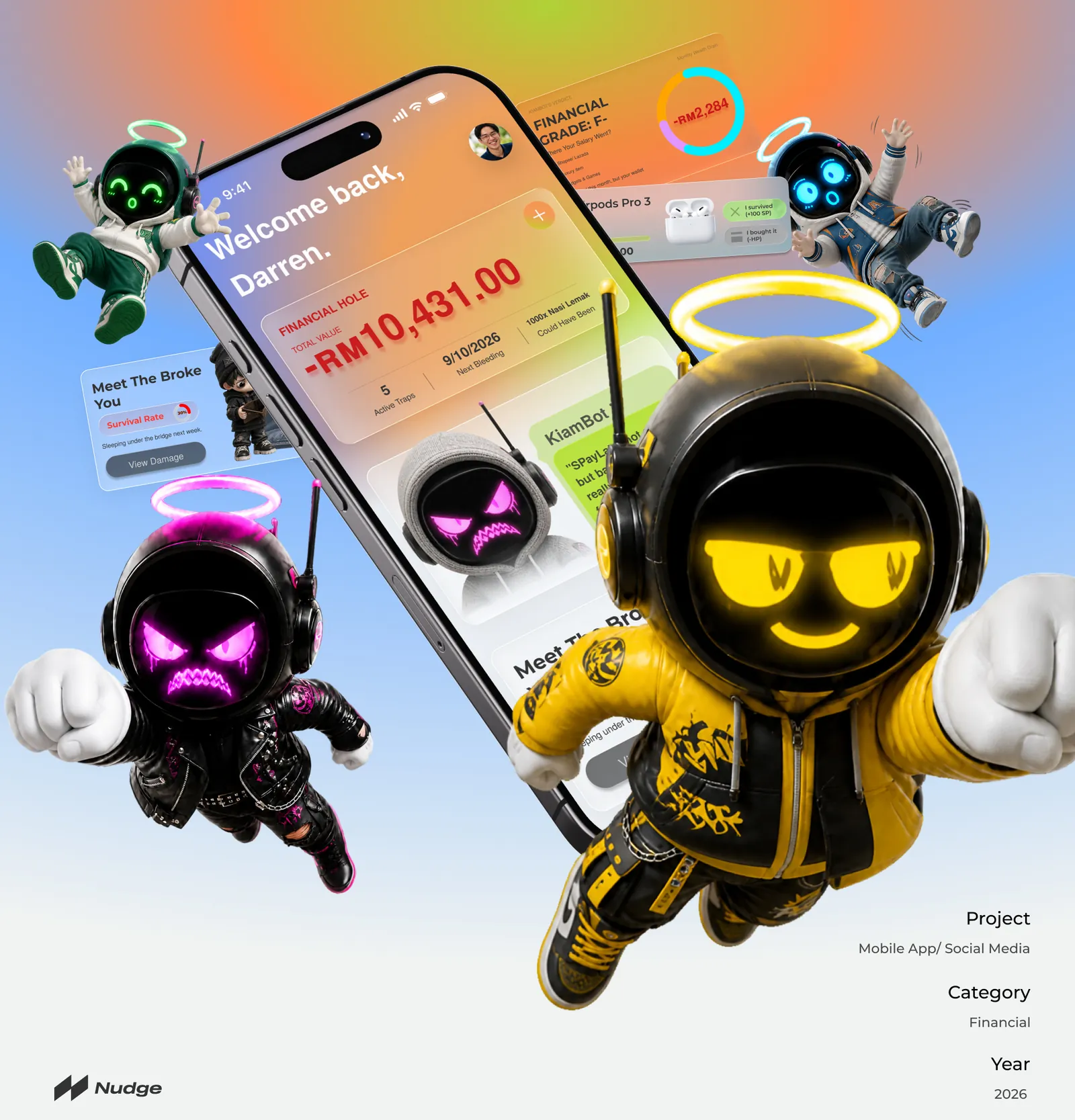
Nudge: a thoughtful pause before Buy Now, Pay Later.
Most budgeting apps show what has already been spent. Nudge steps in one moment earlier — right before checkout, when a little time and context can change the decision.
Role
Project lead — UI/UX design, brand identity, interactive prototype, poster
Team
4-person team
Timeline
Final year, 2026
Tools
Figma, Adobe Illustrator, CapCut Pro
Scope
6 user flows, brand system, short film, exhibition booth
Your spending, their survival.
72H Vault
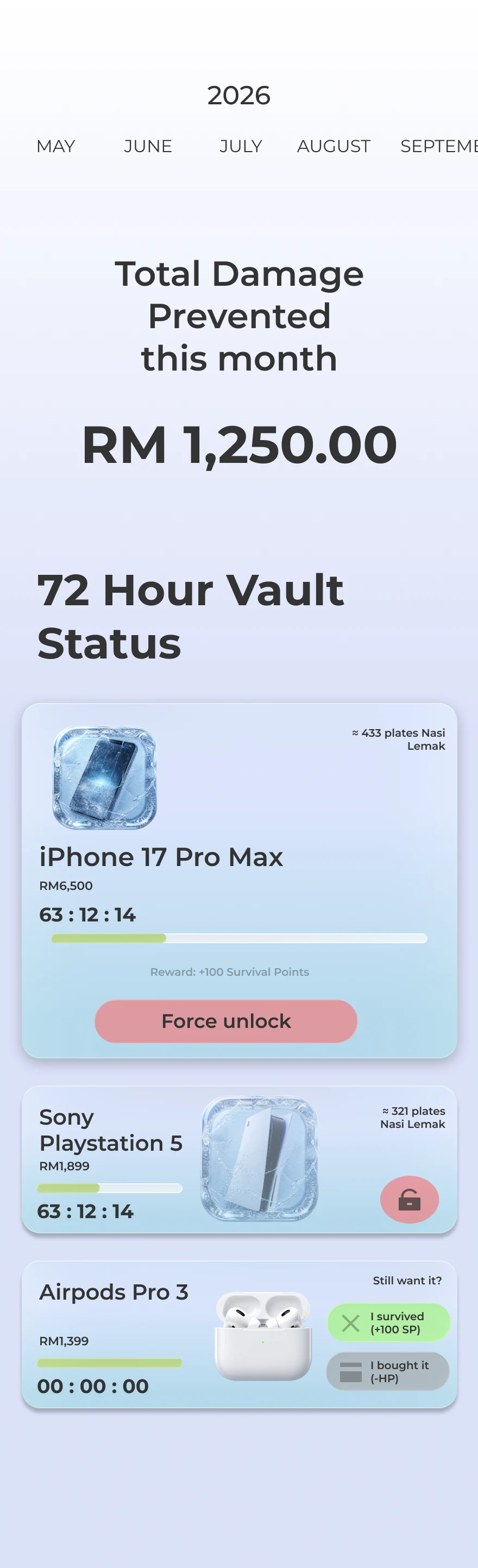
iPhone 17 Pro Max63:12:14left to cool off
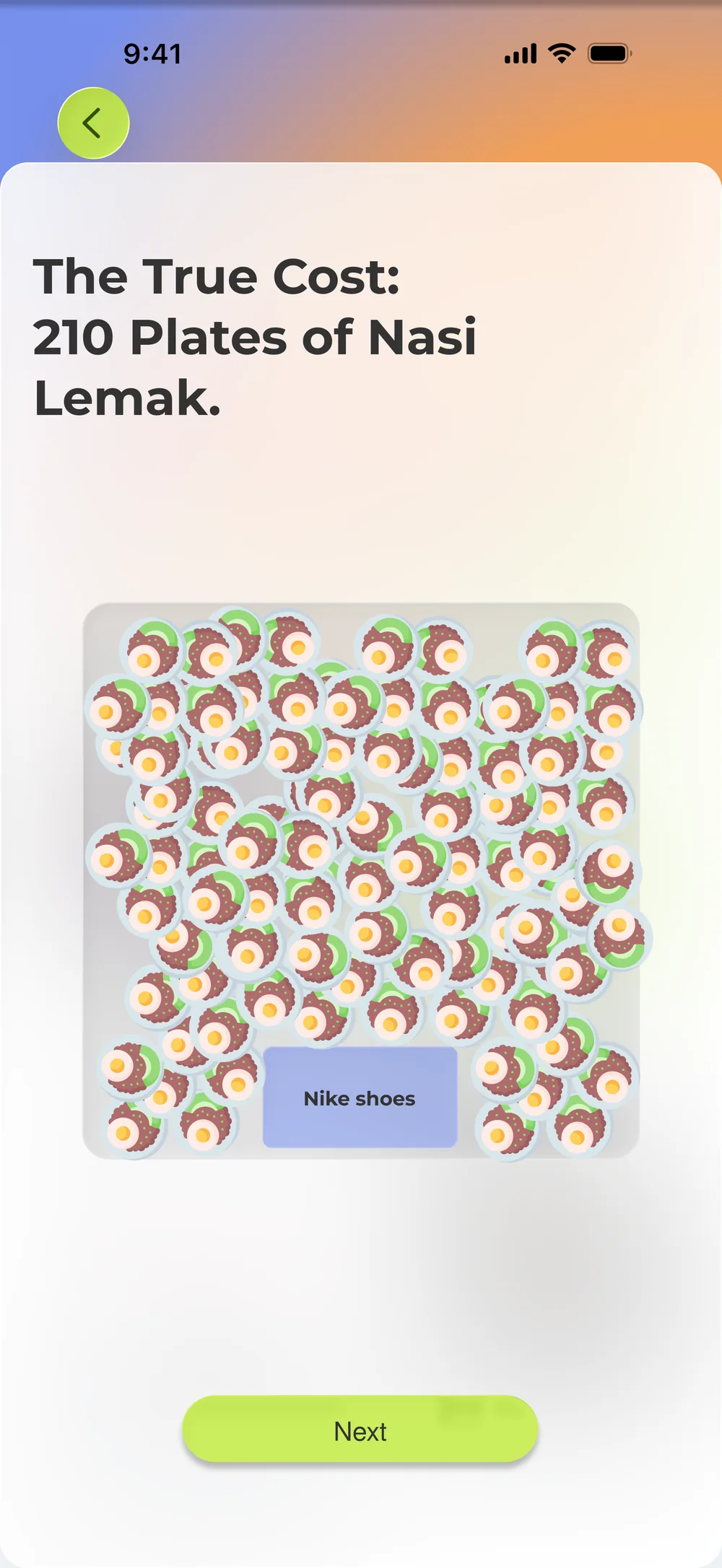
Nike shoes =210plates of nasi lemak+203
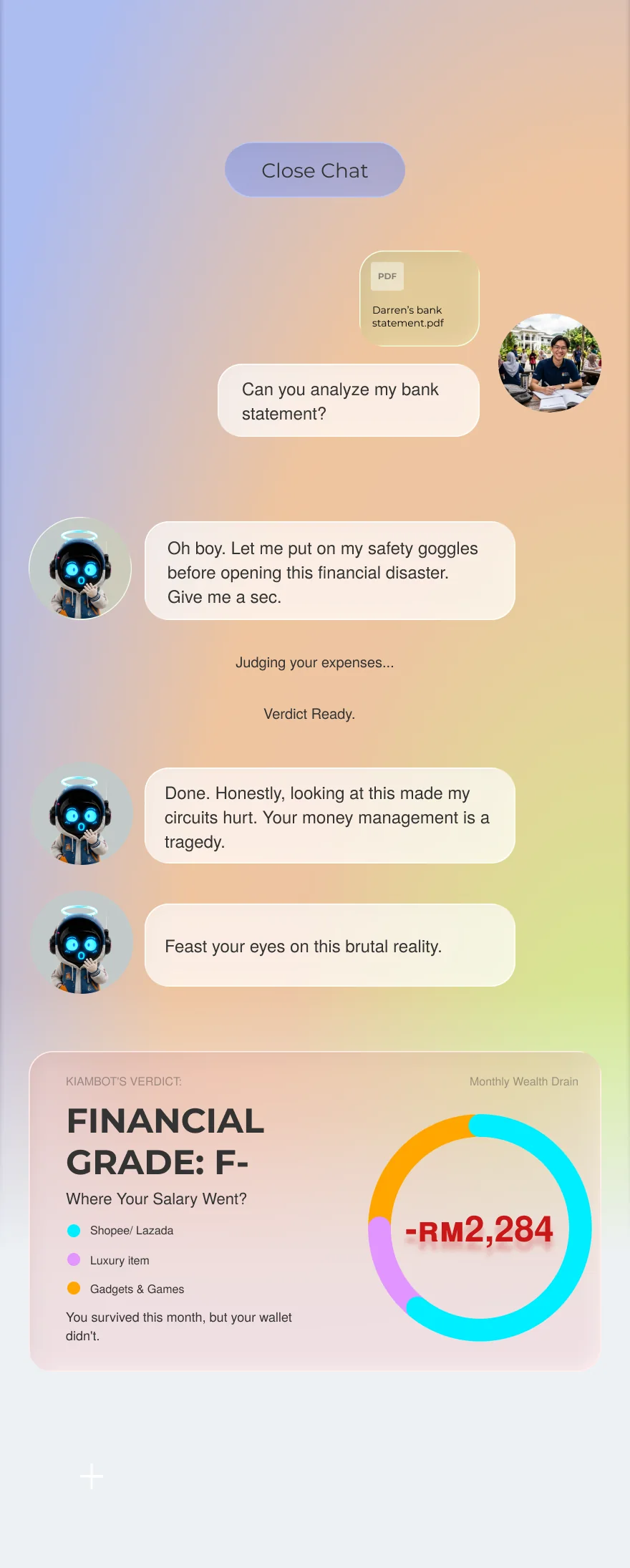
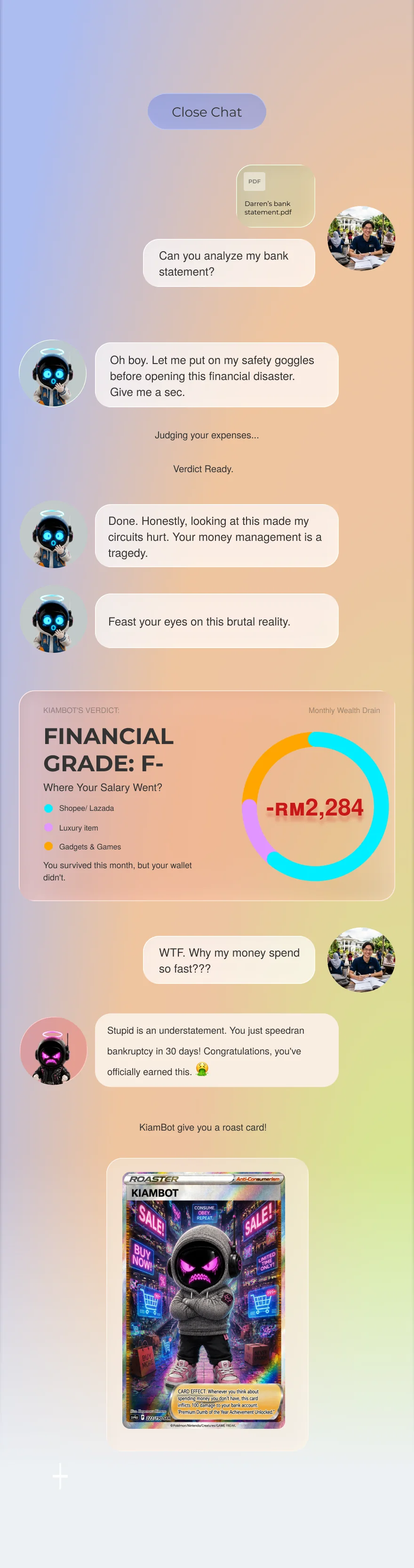
F-Roast verdictFinancial grade-RM2,284
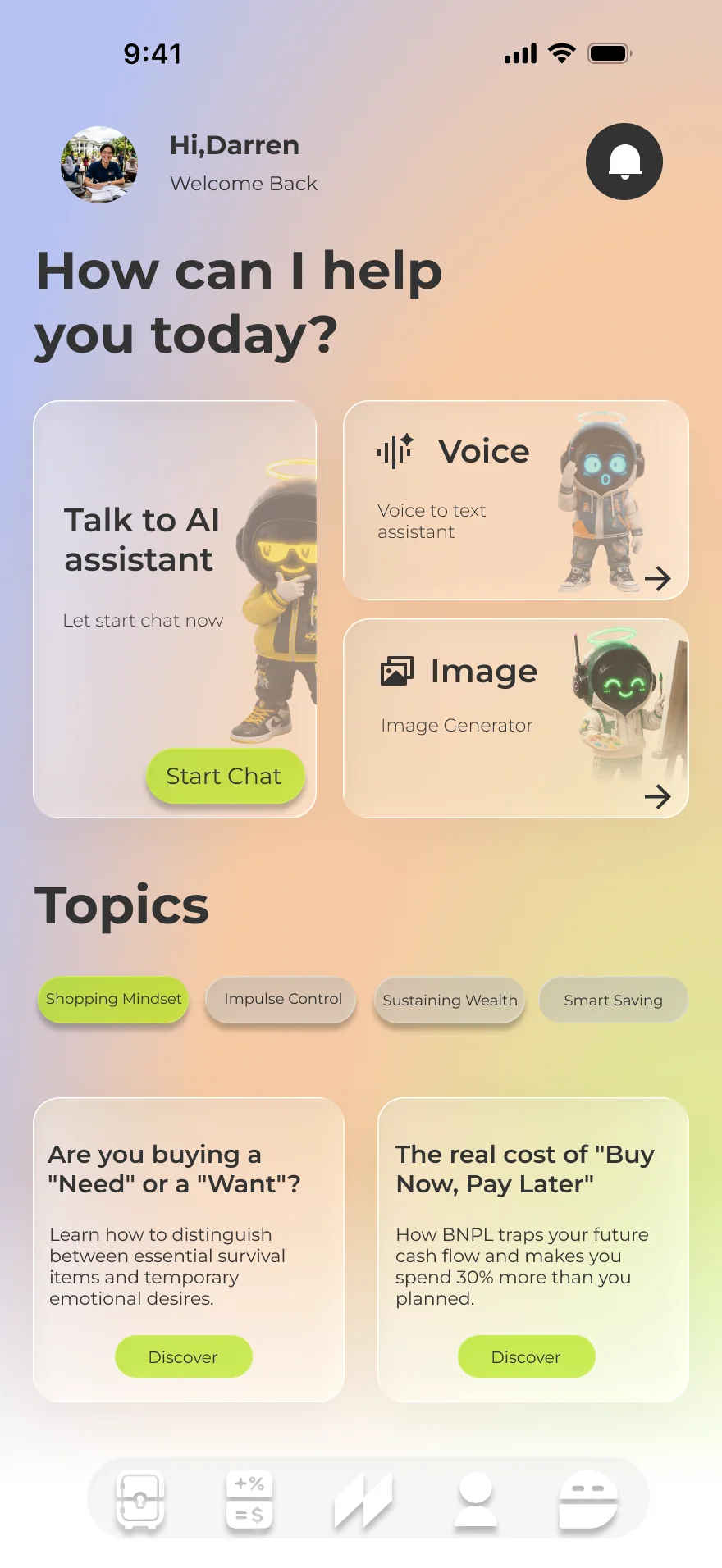
Fig. 01Three real screens and three numbers from the prototype — the vault timer, the nasi-lemak maths and the roast grade — one for each mechanism.
What I did
Led the four-person team as project lead
UI/UX design and the interactive Figma prototype
The brand identity and the poster
What the team did
The narrative short film
The exhibition booth
Social content
How I led
Set mini-deadlines for every teammate, so the film, the booth and the social content each landed on time
Made the call to replace the debt-monster pet with a future-self avatar (Design · 02)
Buy Now, Pay Later turned food delivery, clothes and groceries into one-tap credit for young Malaysians — through SPayLater, GrabPayLater and the like.
The target user was specific: college students, fresh graduates and young workers new to managing their own money. Heavy mobile shoppers who use BNPL because they don’t hold credit cards, and many of whom sit in the B40 income tier — which makes small accumulated debts disproportionately dangerous.
Insight
Payments remove the pain of paying. When you pay by scanning a phone or clicking a button, you never feel the money leave.
So an impulse that is fast and emotional has to be met by an interface that is just as fast and emotional.
Two things compound: with no cash changing hands there is no felt loss, and most money trackers rely on numbers and charts that young people find hard to keep up with. Both point the same way — speak to System 1, not just System 2.
(02) The usersTwo archetypes
Two spenders, one trap: neither feels the money leave.
We built two archetypes from the target group: a student who borrows to keep up, and a young professional who spends to cope.
Their pain points differ, but both trace back to the same gap — the payment no longer feels like a loss. Each need became a mechanism.
Tech & dining spender
Darren Wong
21 · Year 3 student · part-time work · Subang Jaya
RM50 a month sounded completely harmless, until all my BNPL split bills arrived at once and took half my allowance.
Pain points
Fragmented billingLoses track of total debt and due dates across SPayLater, Atome and GrabPayLater.
Cash-flow illusion“0% interest” marketing removes price sensitivity, so the budget drains fast.
Debt snowballUnexpected costs push him onto new BNPL credit to cover old debt.
Needs
One dashboard showing the total owed across every platform
Warnings that show the budget impact before buying
Reminders that prevent late fees without nagging
Aesthetic & lifestyle spender
Chloe Tan
26 · Account executive · Mid Valley
I just wanted to reward myself after stressful workdays, but now I’m too terrified to even check my banking balance.
Pain points
Zero pain of payingQR and card payments remove the feeling of losing money.
Numerosity effectSmall instalments like RM50/month hide a large accumulated debt.
Financial blindnessBudgeting apps feel dry and guilt-inducing, so she avoids them entirely.
Needs
Something engaging that pauses an impulse buy
Abstract numbers translated into local, everyday things
A gentle nudge back to rationality while browsing.
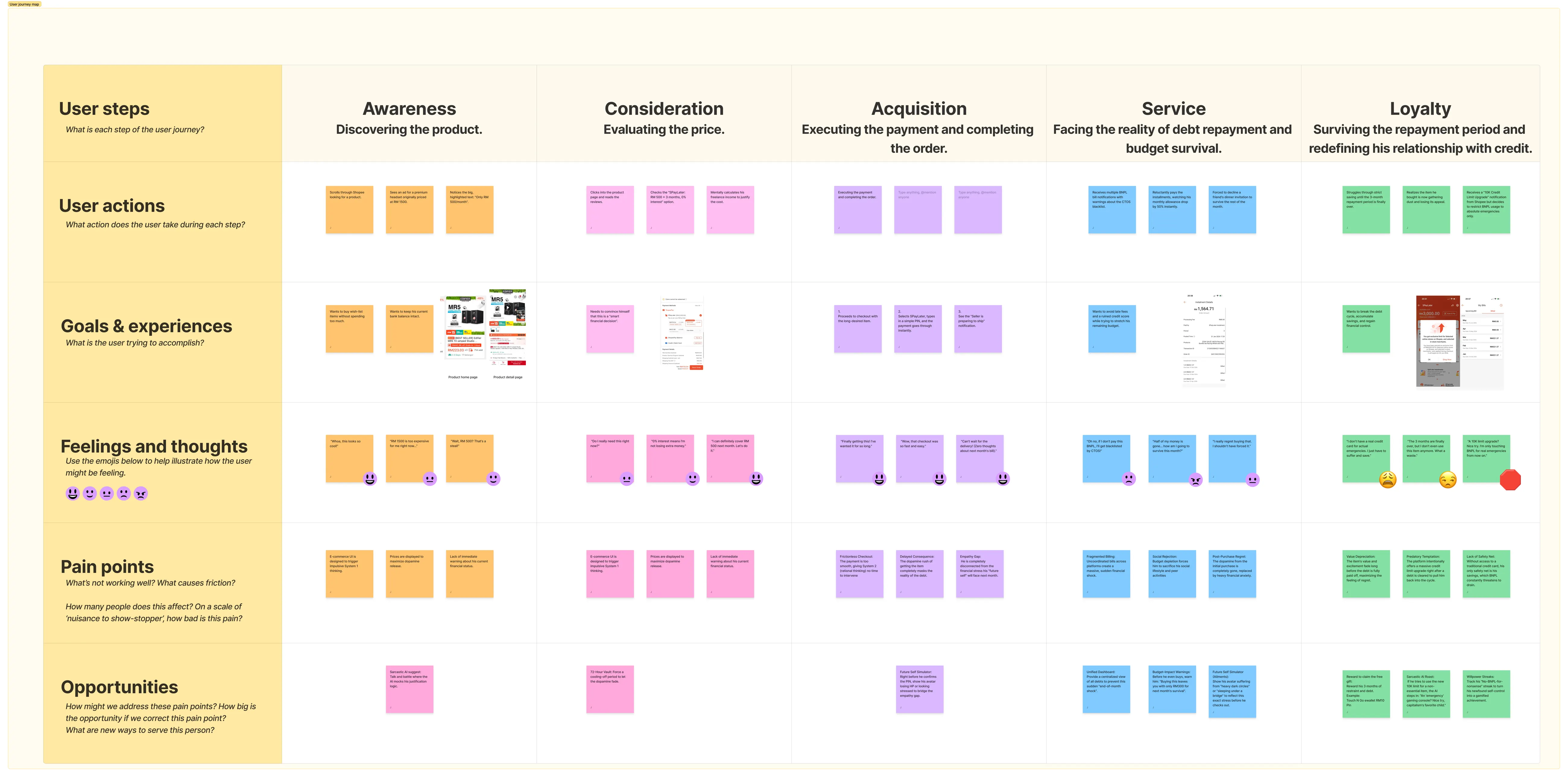
02 · Consideration
Evaluating the price
Small instalments distort the price.
A 72-hour cooling-off vault; RM shown as plates of nasi lemak.
03 · Acquisition
Paying and checking out
Digital payment masks the loss of cash entirely.
A sarcastic AI roast at the moment of payment.
04 · Service
Facing repayment
Bills split across apps cause total tracking blindness.
One consolidation screen that breaks the denial.
05 · Loyalty
Surviving the repayment
Virtual numbers feel detached from real life.
A future self whose quality of life visibly drops.
Fig. 02The journey map behind the strip above: pain points and opportunities for each of the five stages. Open full size ↗
(03) The thinkingAfter supervisor feedback
Four pieces of behavioural theory, each wired into a screen.
Following feedback on the first proposal, we put behavioural theory at the centre: every mechanism answers one specific cognitive bias.
01
Dual-process theory
System 1 is fast, emotional, almost free; System 2 is slow and expensive to run. BNPL checkout is engineered for System 1. Gamification works because it doesn’t demand discipline — it points the same emotional drivers the other way.
02
Cognitive friction
A deliberate interruption that switches the user from autopilot to evaluation. The vault, the roast and the physics animation are all friction devices in different costumes.
03
Numerosity effect
Splitting a price into instalments makes a large number read as small. The counter is to re-inflate it visually — give the amount its weight back.
04
Empathy gap
Young people treat their future self as a stranger, so sacrificing now feels irrational. Closing that gap — and leaning on loss aversion — is what the future-self avatar is for.
(04) The flowCondensed from FigJam
Every impulse takes the same path: see it, freeze it, live with the choice.
Before drawing a screen, I mapped every flow in FigJam — seven flows, over 120 steps and 16 decision points, from first launch to redeeming a voucher.
Condensed, they come down to three parts: a short way in, one dashboard everything returns to, and a single loop that every purchase has to pass through.
A · Getting inFirst launch
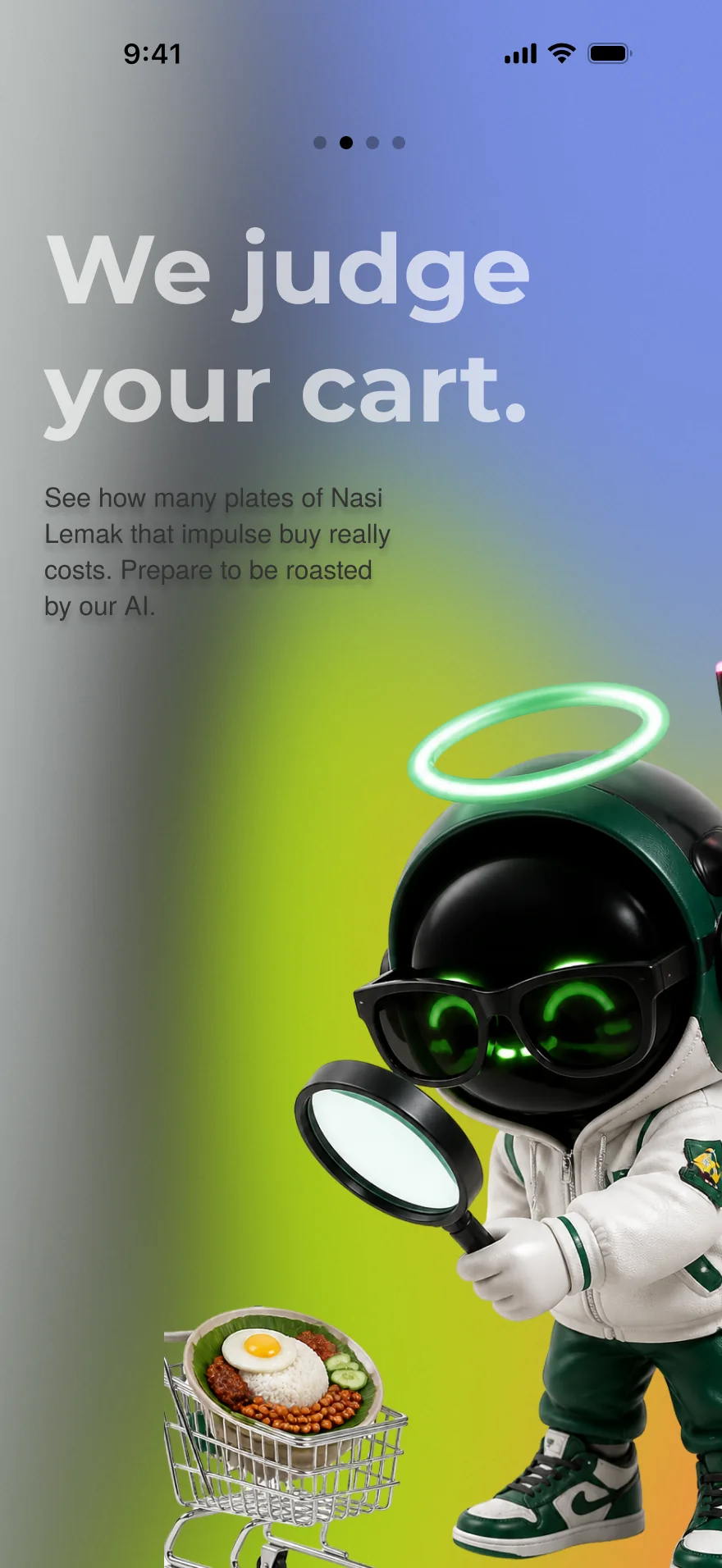
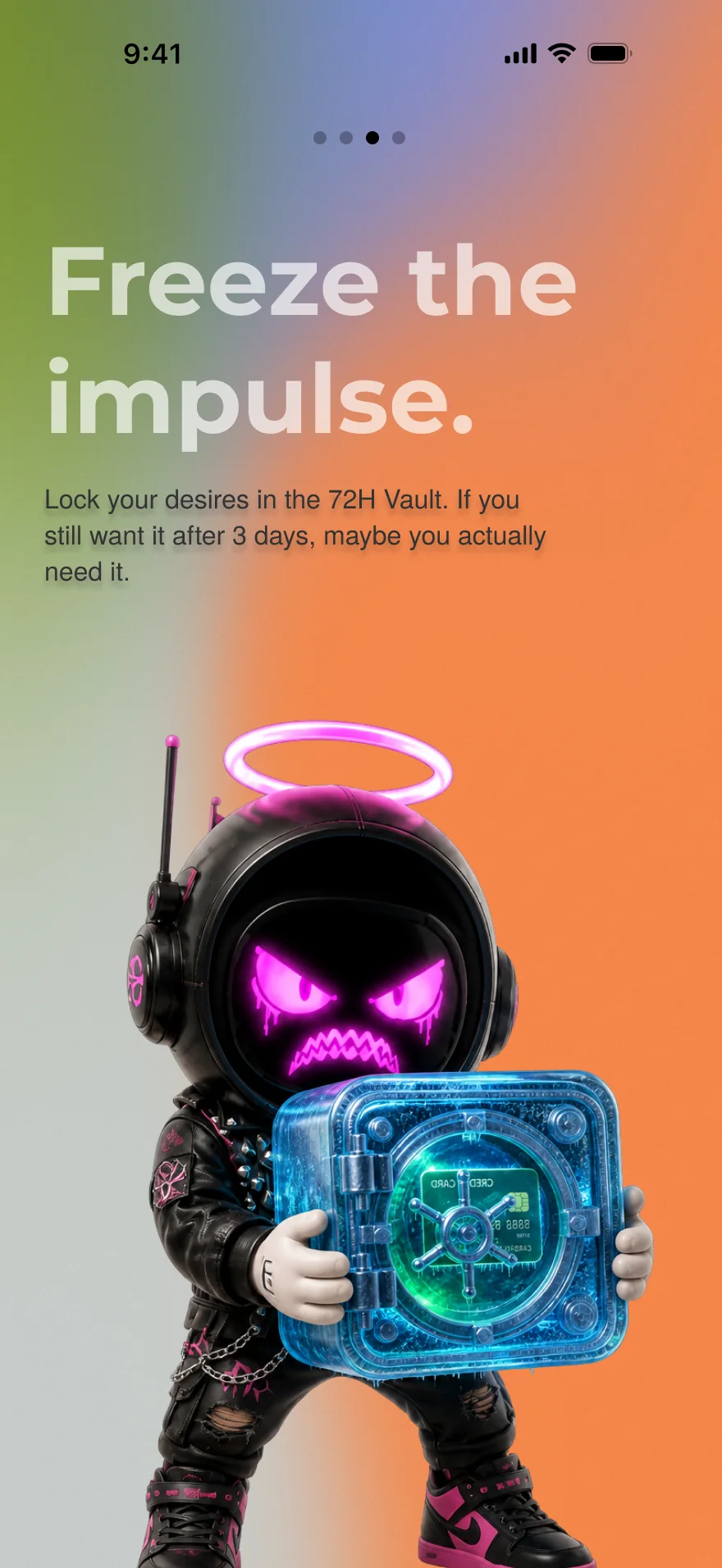
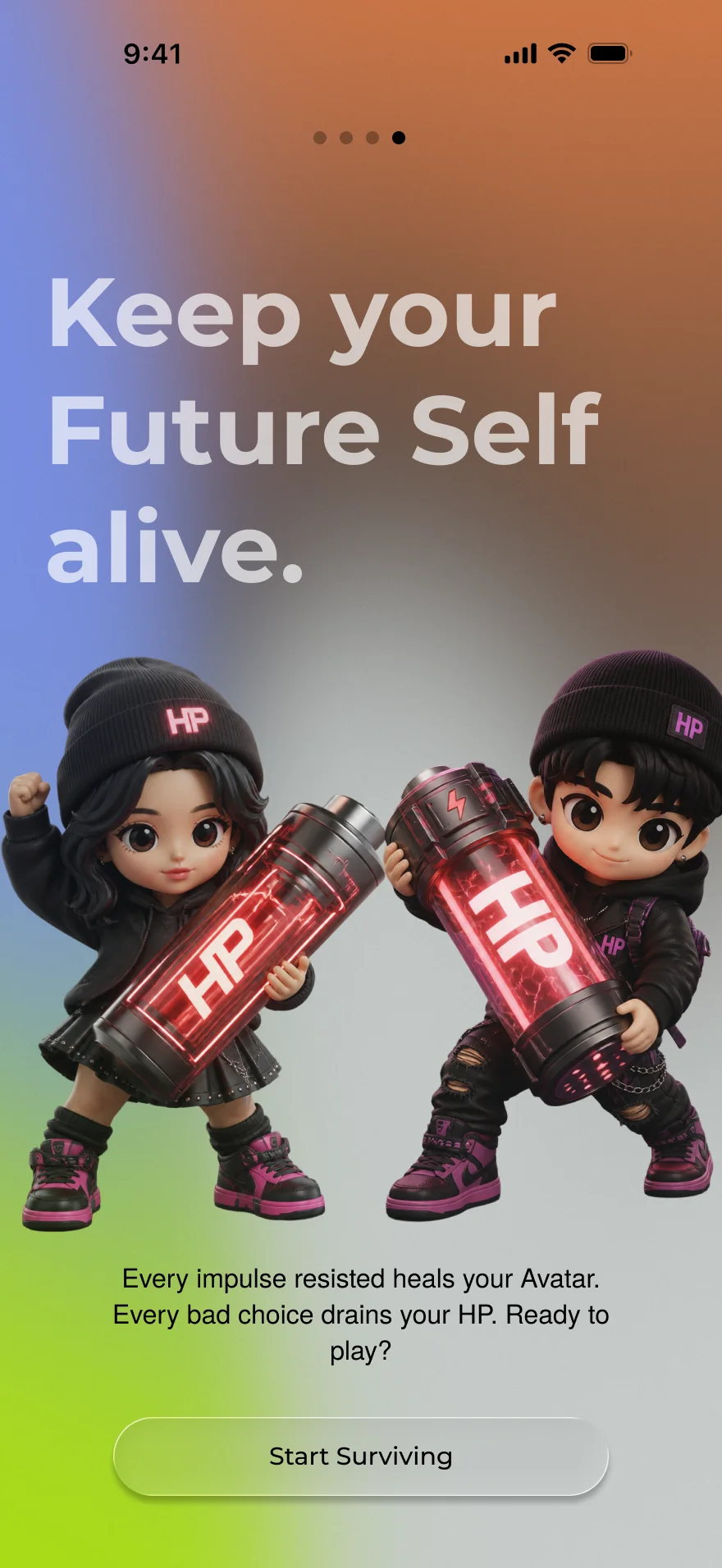
01Launch & onboardingA splash screen, then four slides that set the tone.
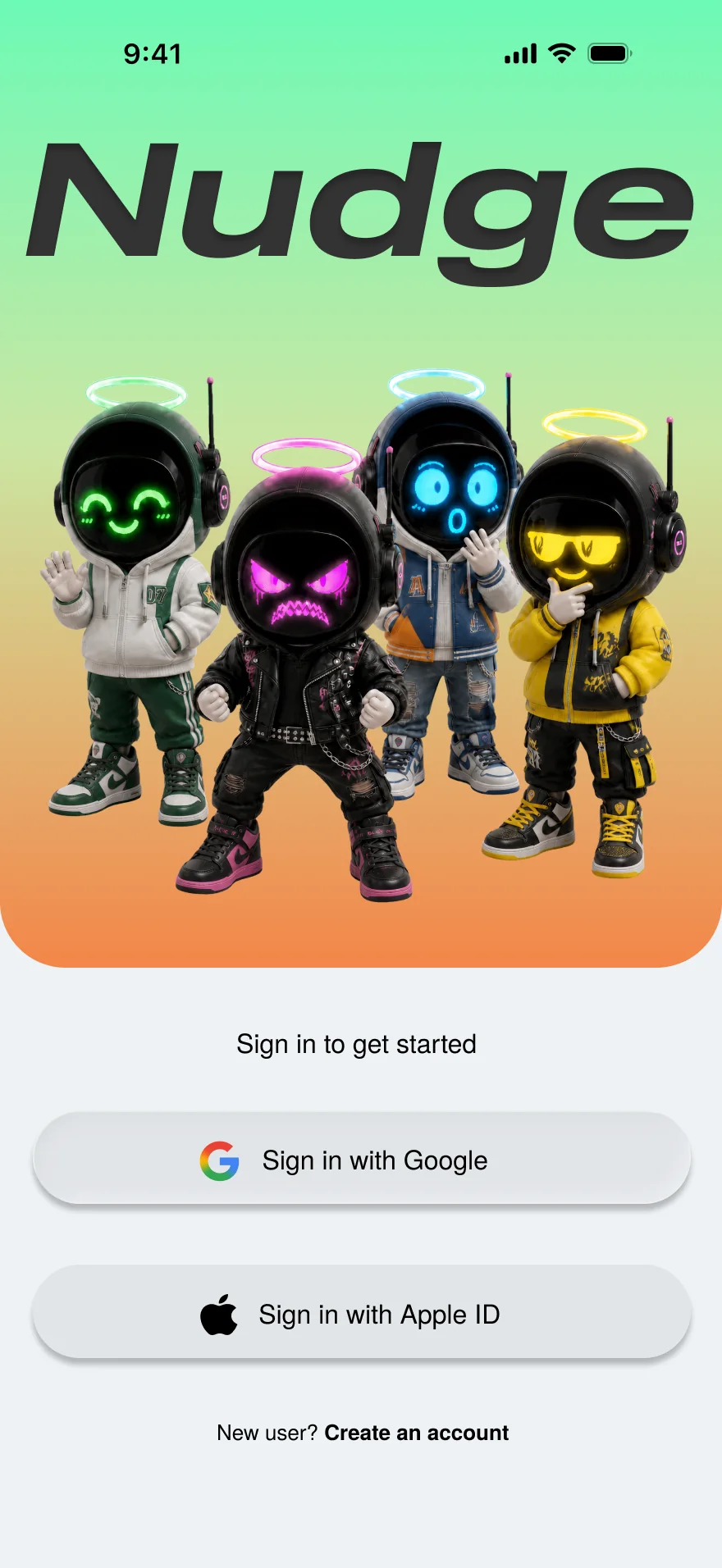
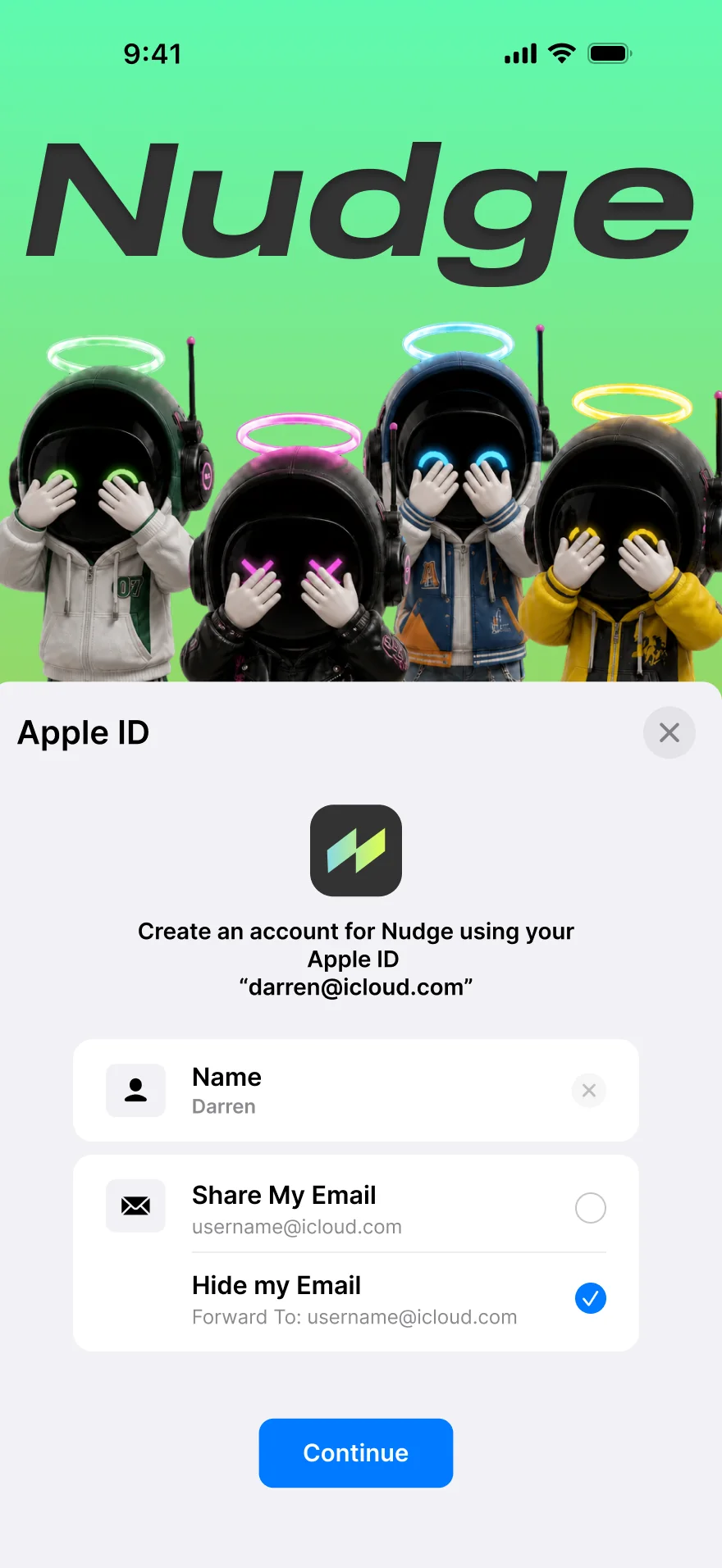
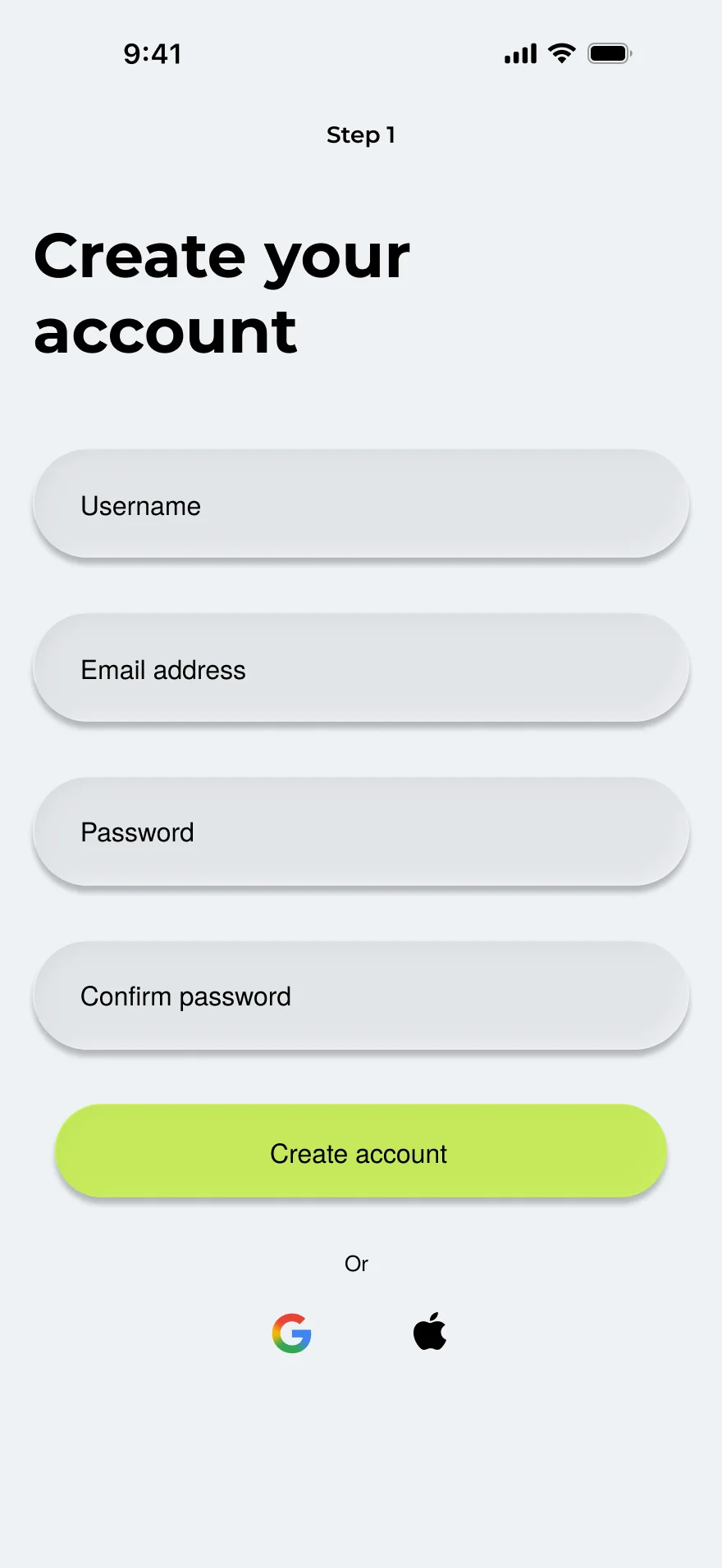
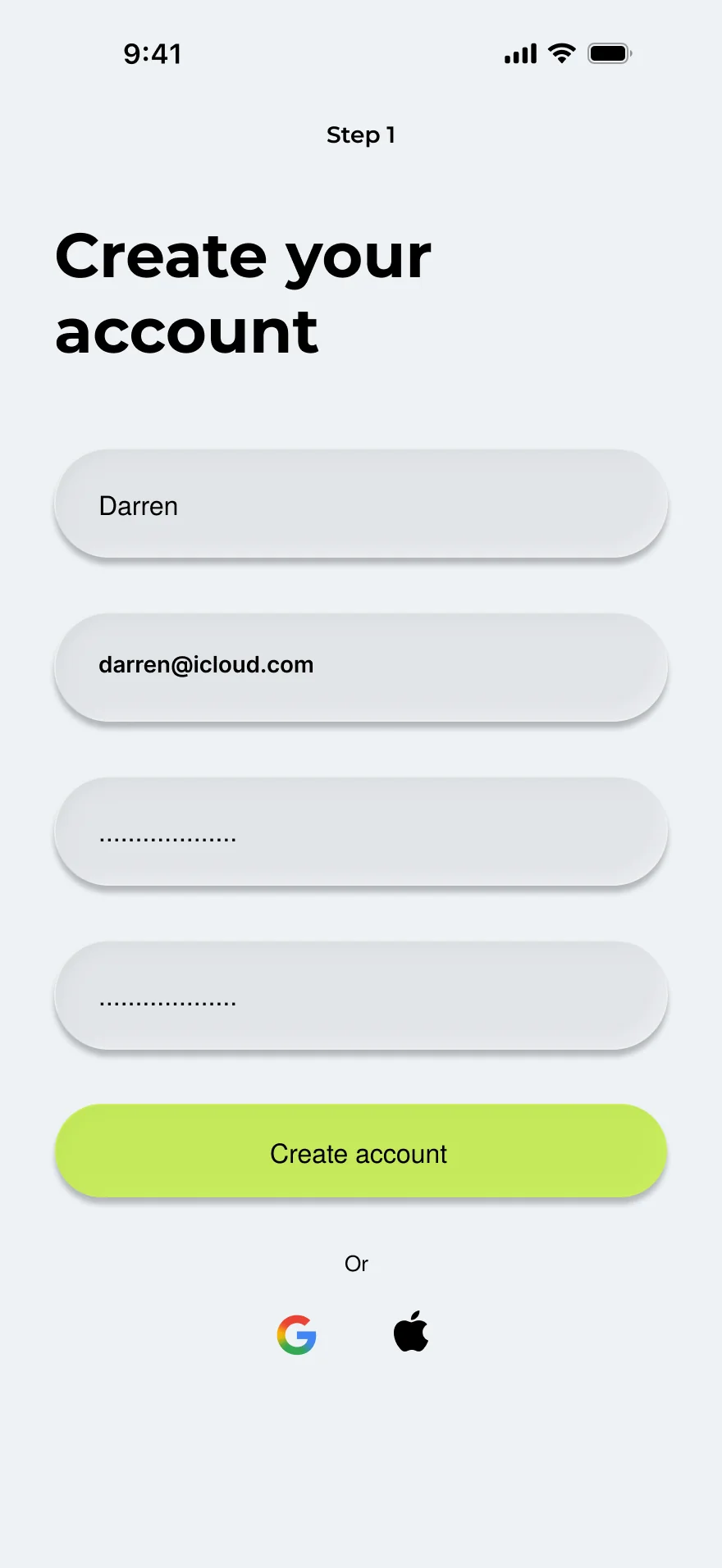
02Sign in or registerApple ID, Google, or a four-field form.
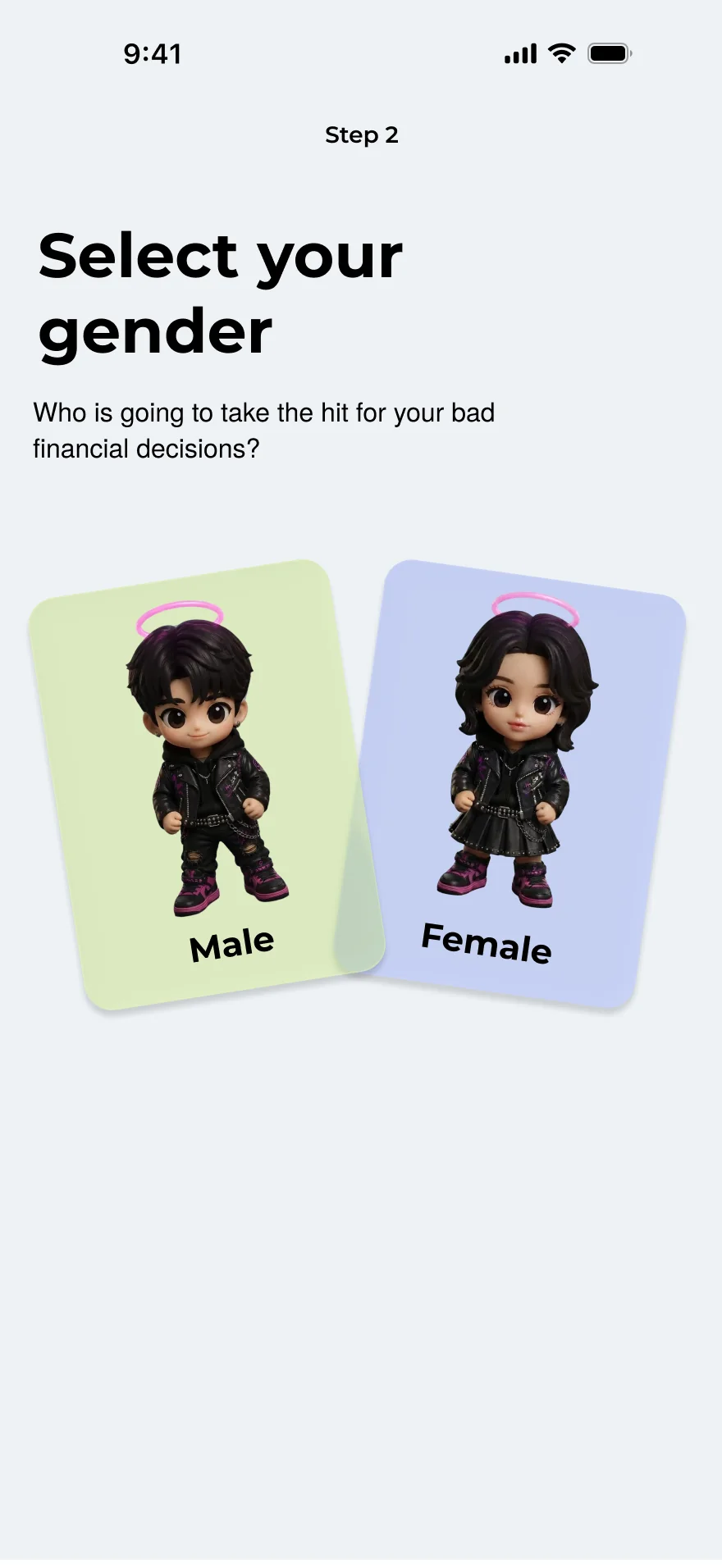
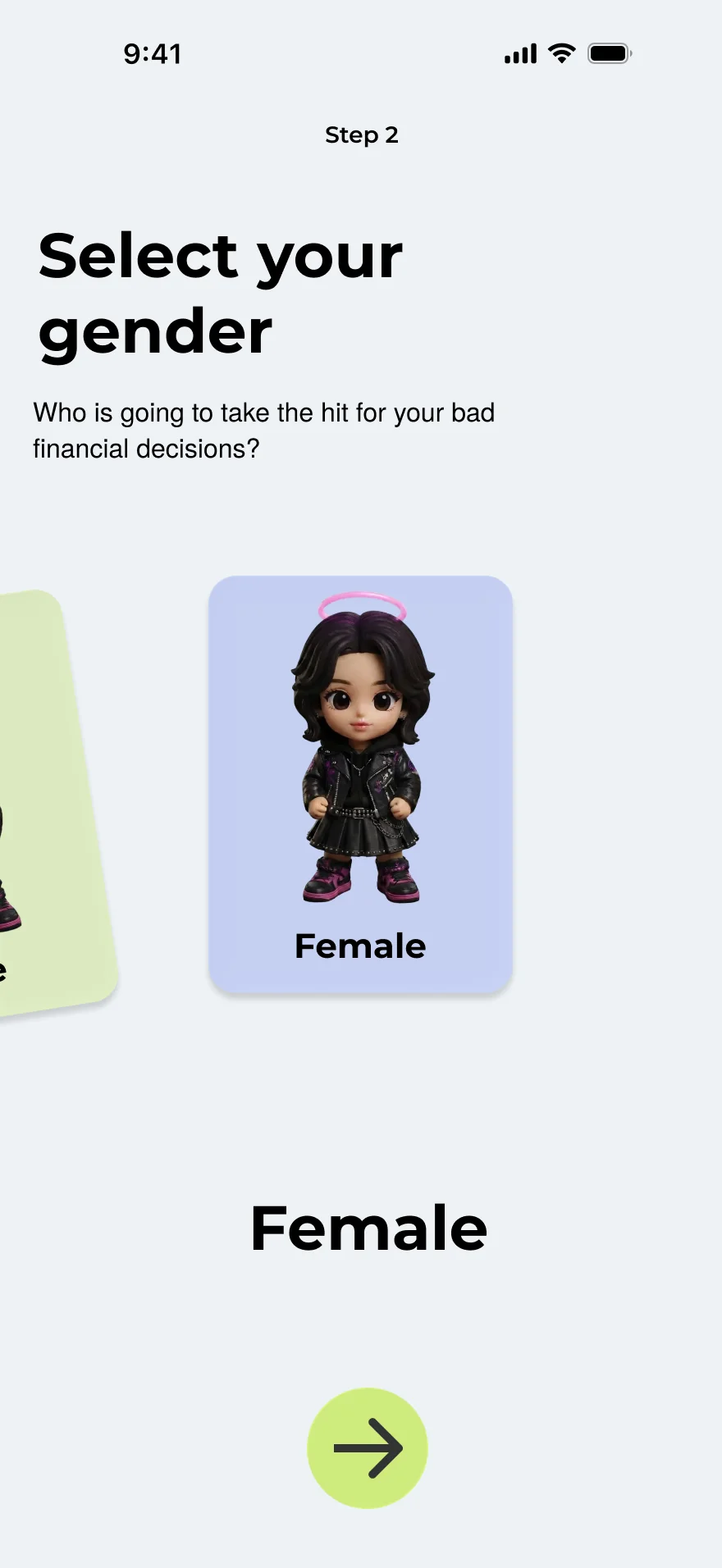
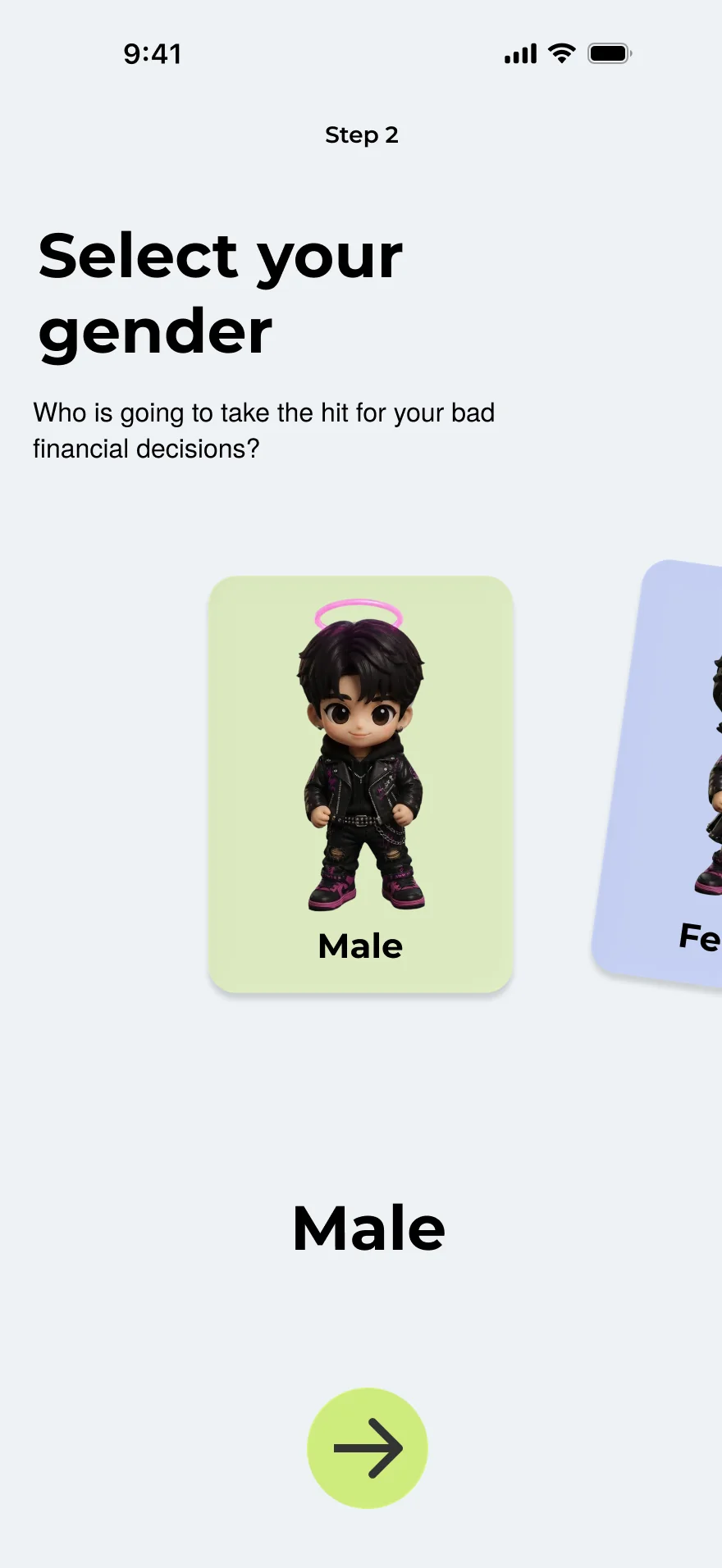
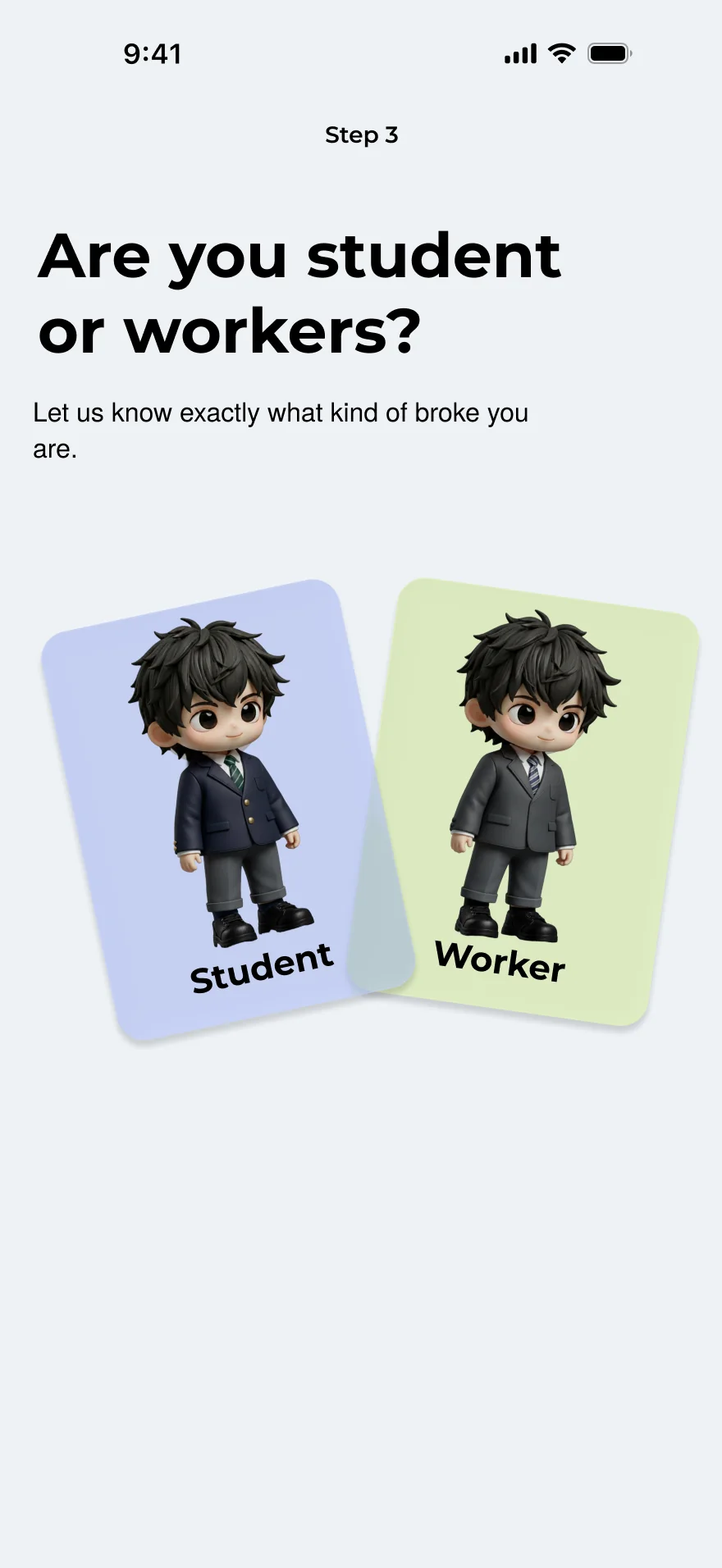
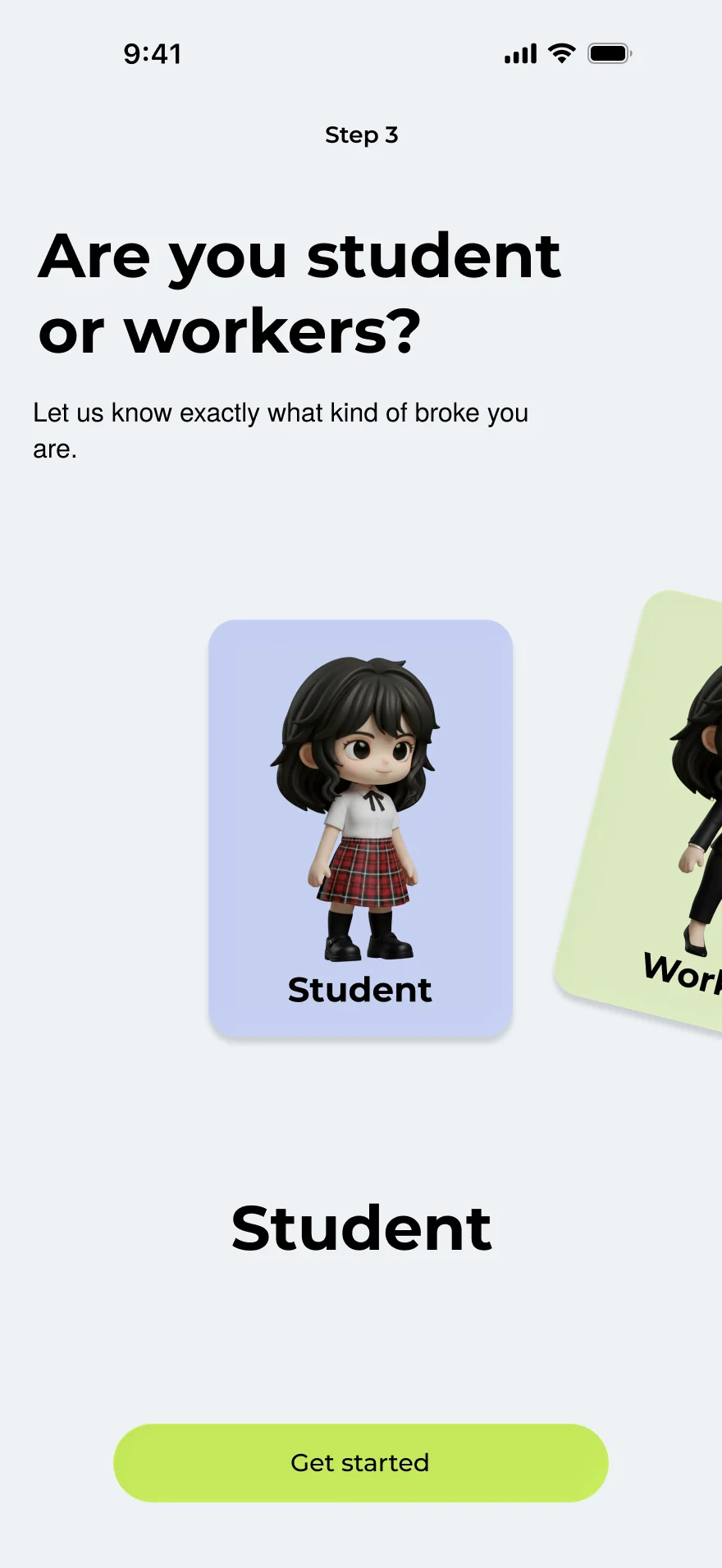
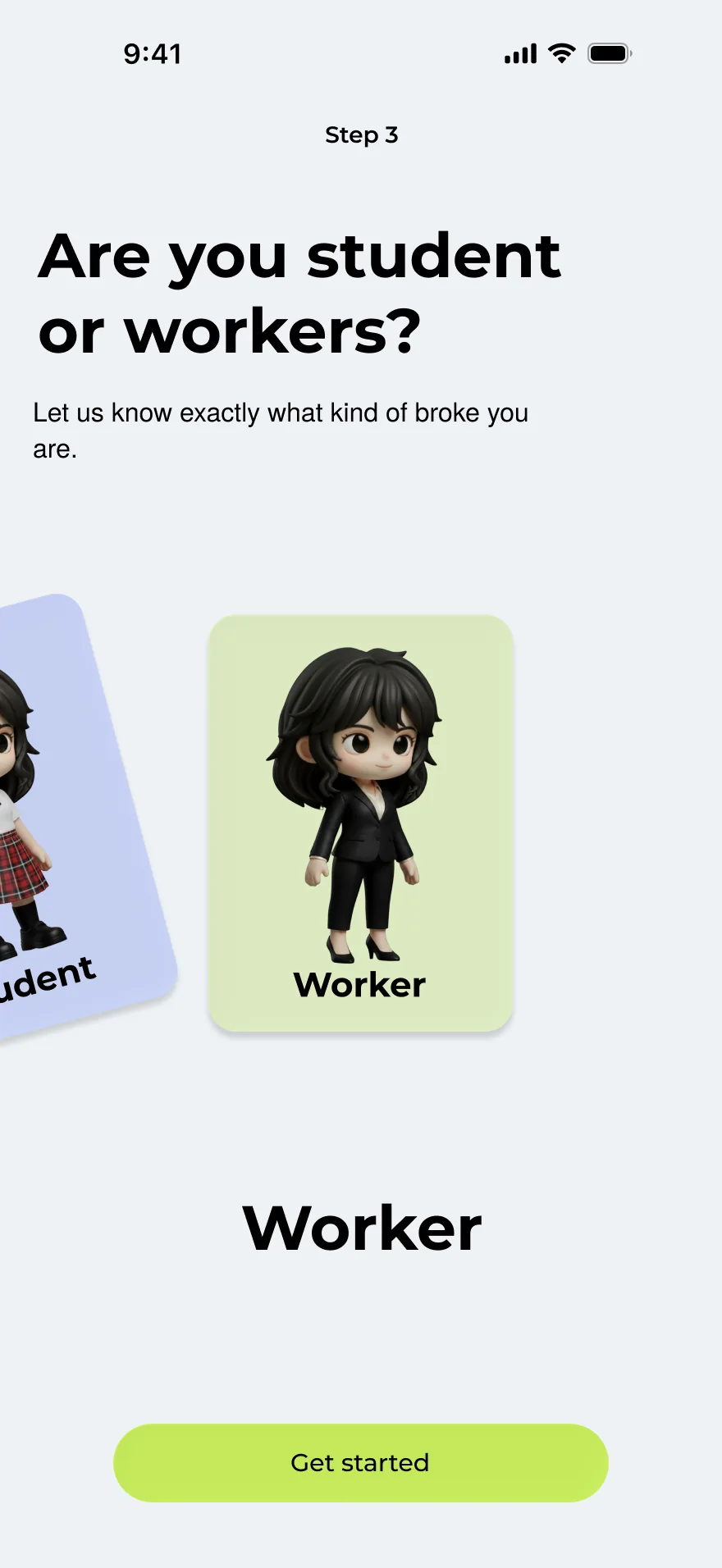
03Build your future selfGender, skin, a basic outfit and a name. Premium outfits stay locked until you’ve saved enough points.
04DashboardThe hub every flow returns to.
B · The impulse loopThe core of the app
TriggerSomething to buyTap Want to buy in Nudge — or open a pricey item on Shopee and get a push: not a necessity.
See itPrice becomes nasi lemakItem and price go in, plates of food fall, and the AI adds a warning.
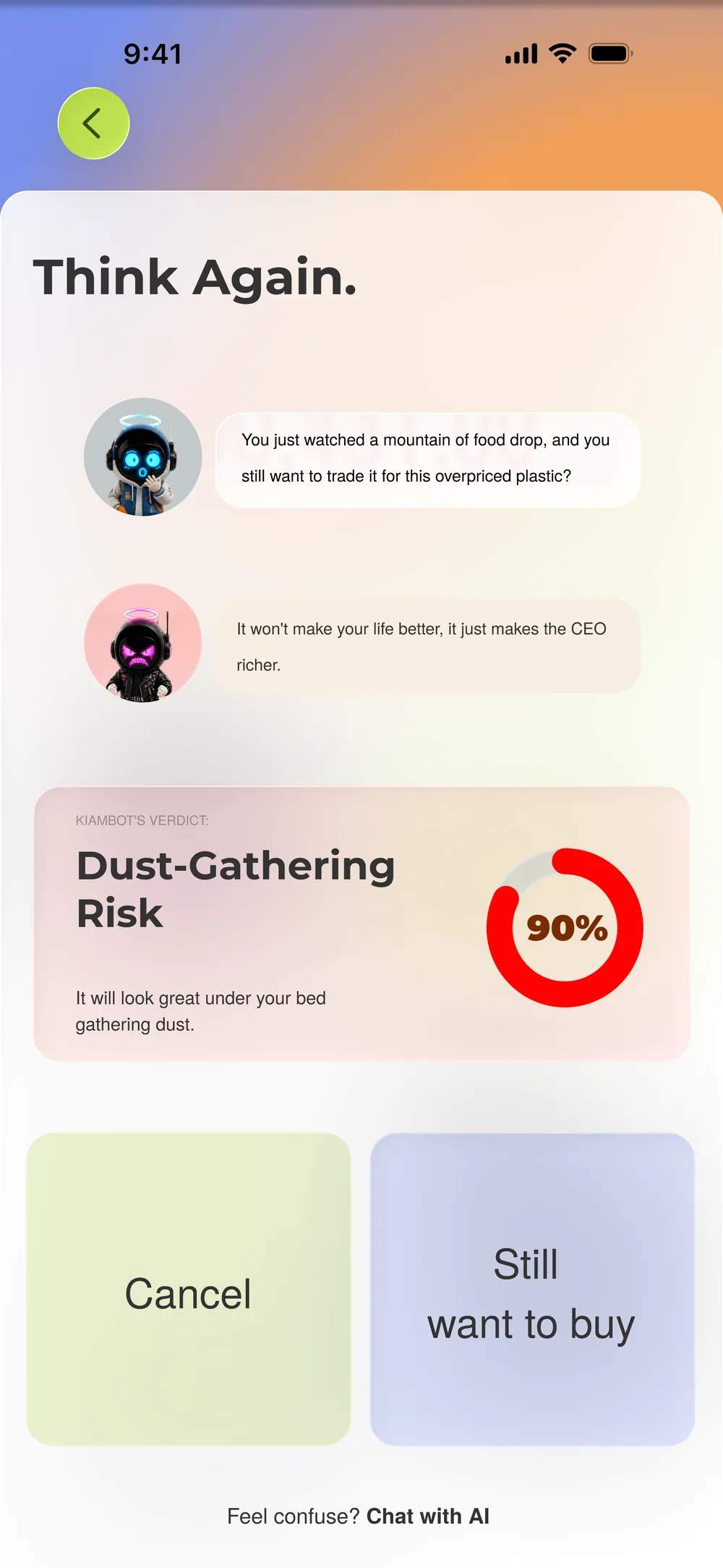
DecideStill want it?No ends it here. Yes moves it into the vault.
Freeze it72-hour vaultA countdown runs before the purchase can unlock.
Then one of three things happens
Wait & saveSave it insteadThe cancelled spend turns into points, which dress the future self.
Wait & buyBuy it after 72 hoursThe purchase unlocks. No points are earned.
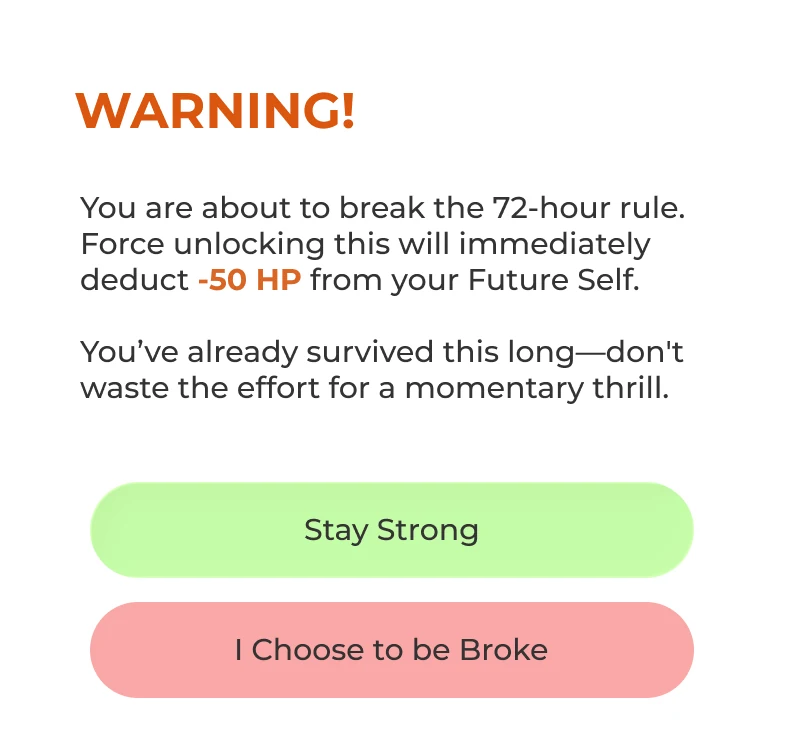
Break the freezeCancel early, or buy it on Shopee anywayThe AI roasts you and asks for a reason. Push through and the future self loses HP.
↺ All three land back on the dashboard
C · Around the hubSupporting flows
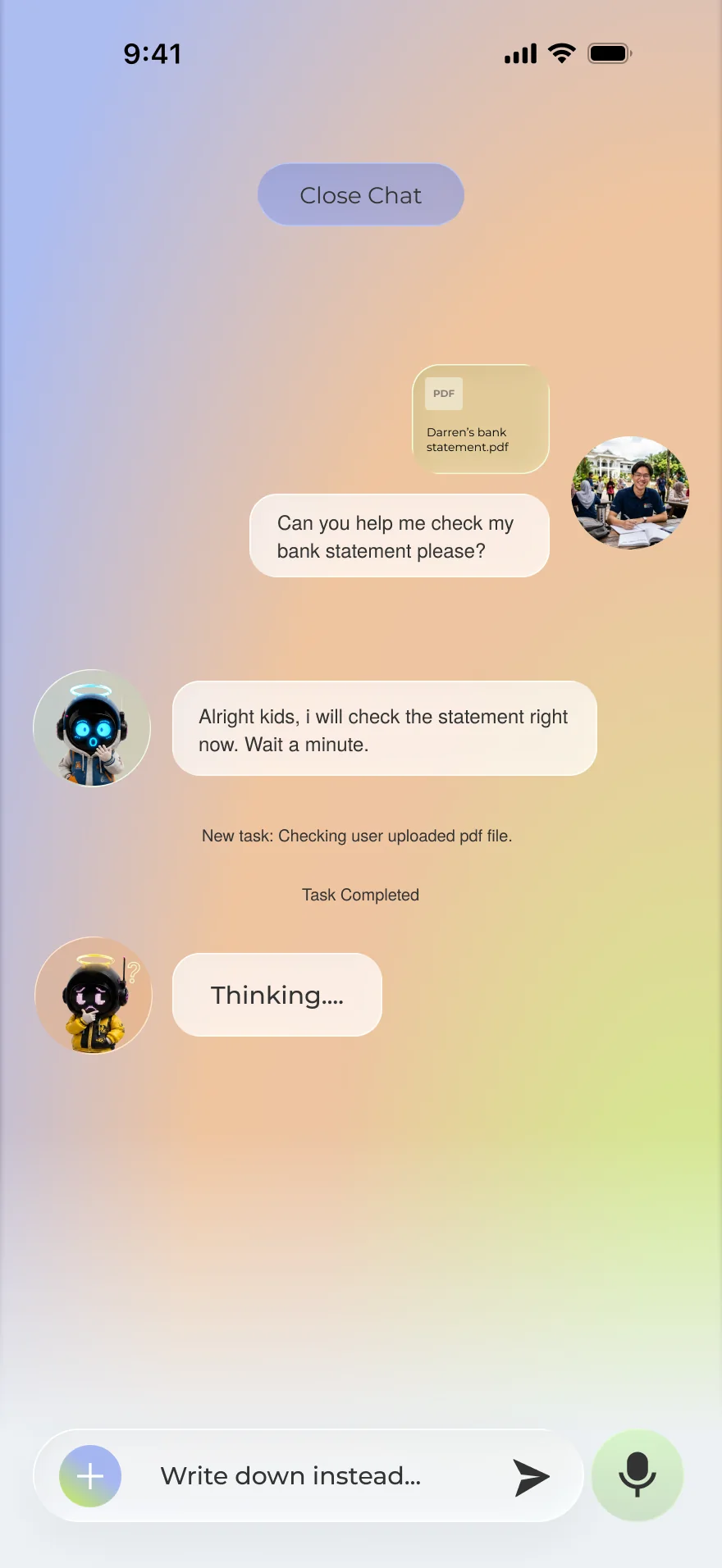
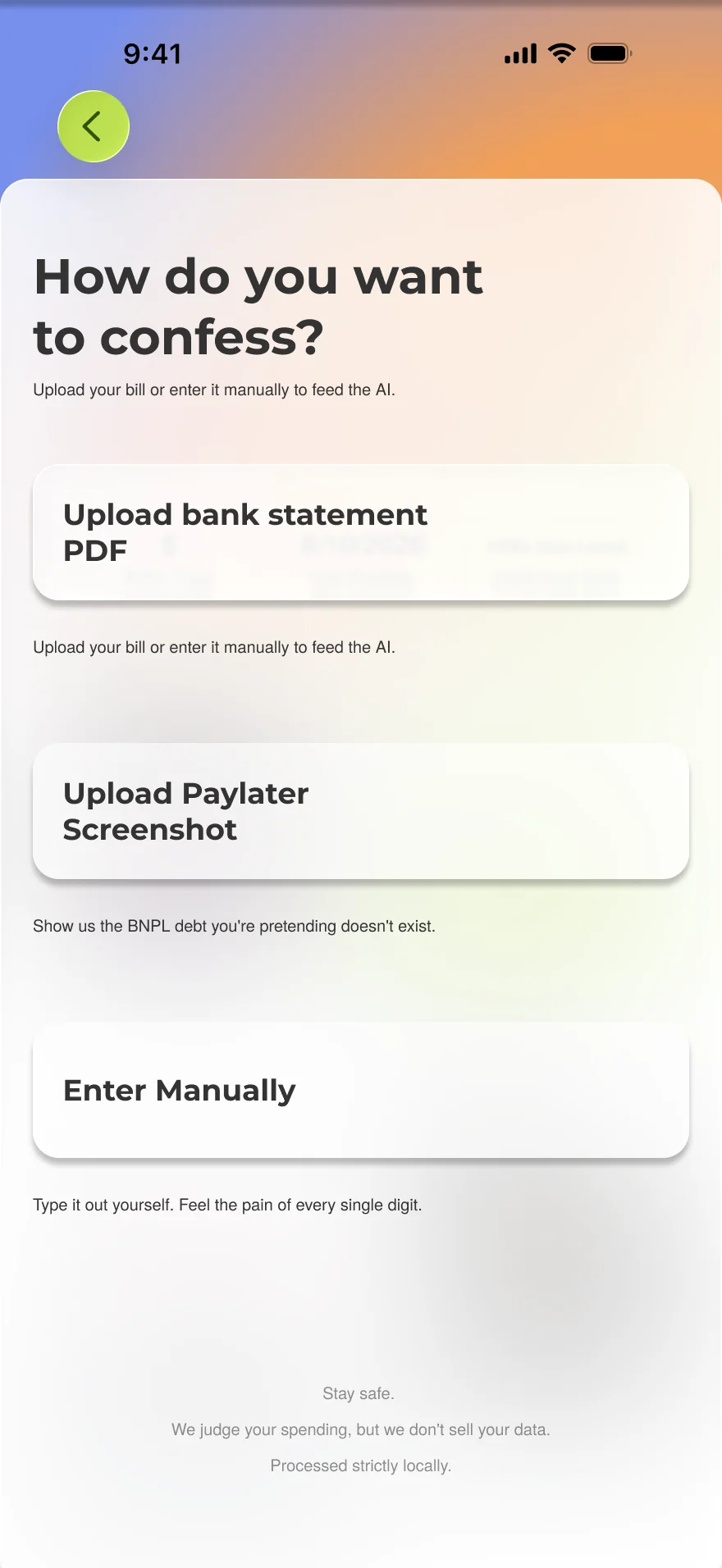
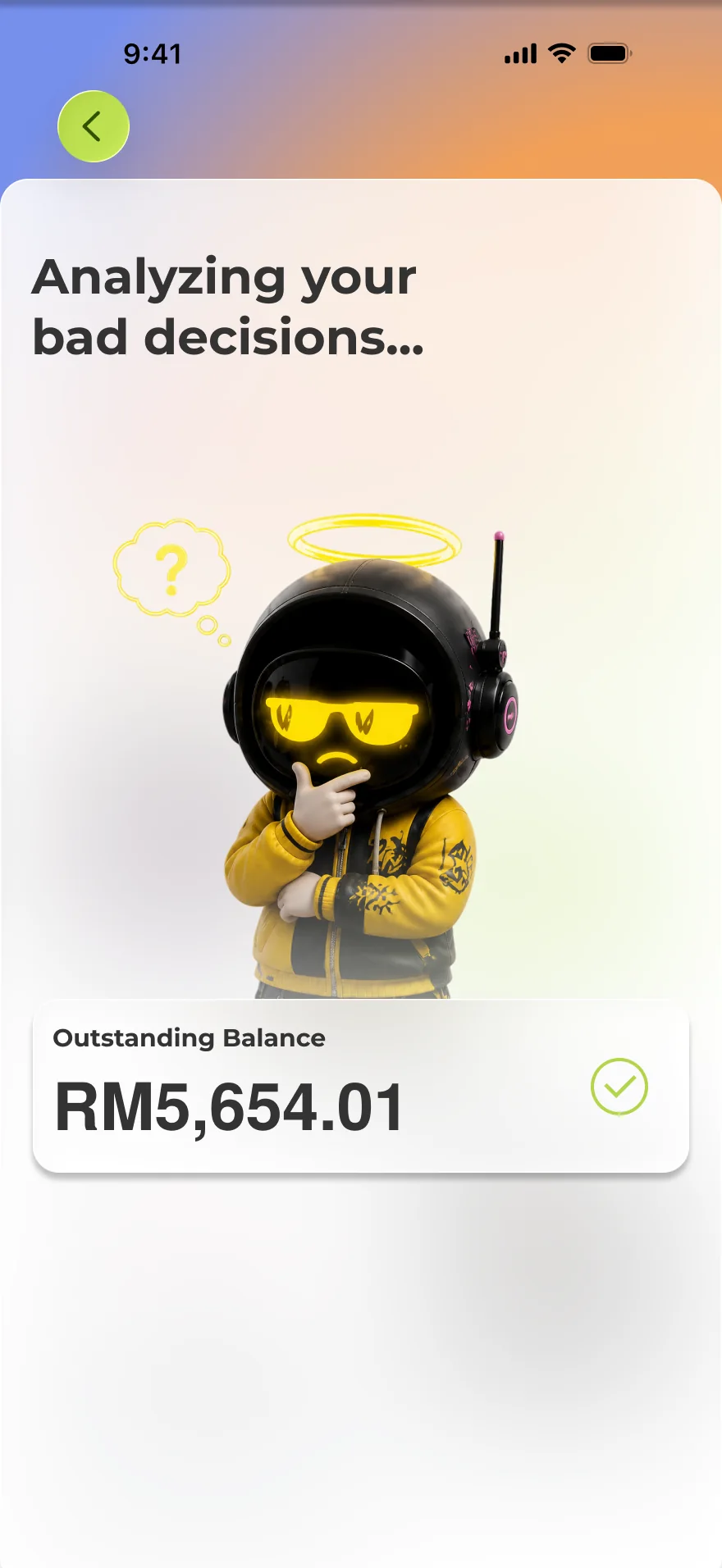
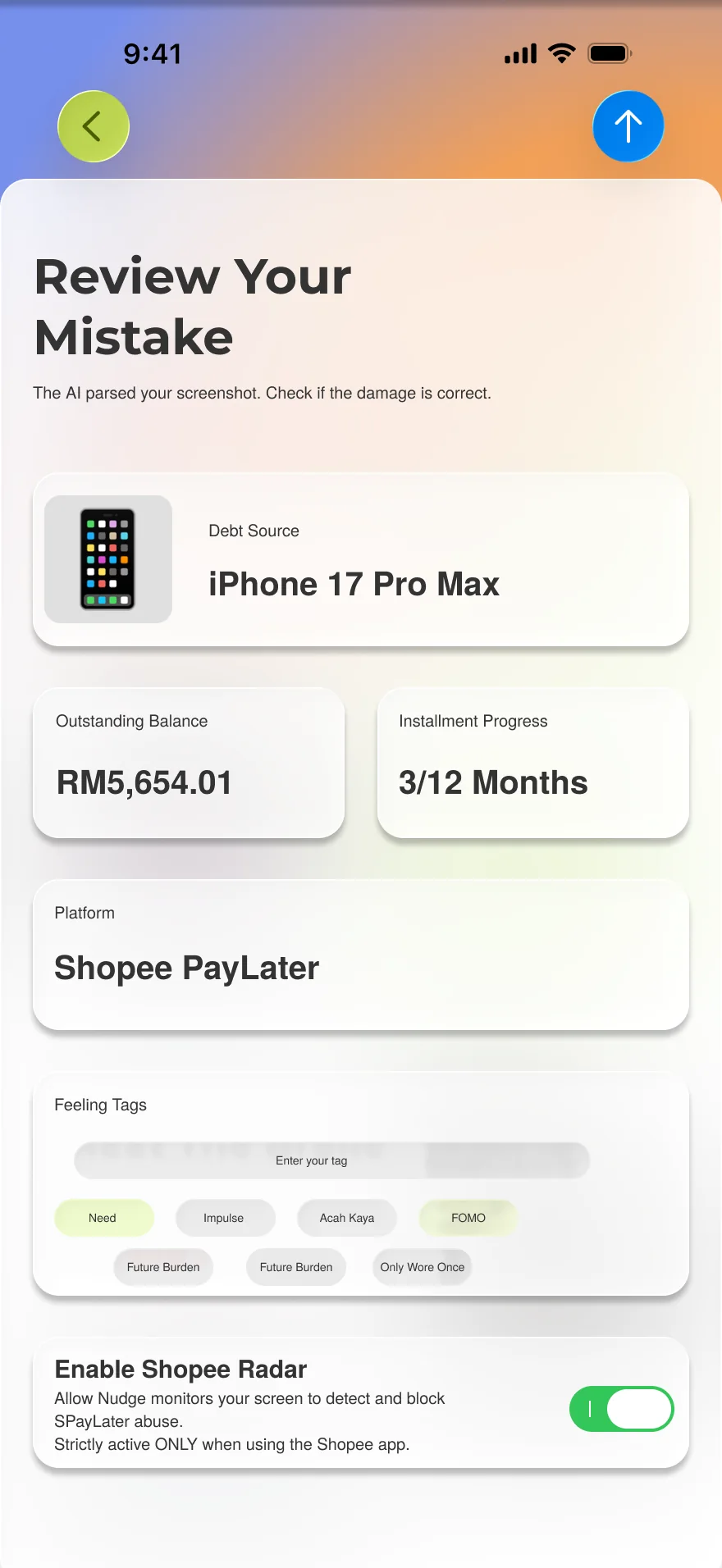
Add debtUpload a bank PDF, a SPayLater screenshot or type it in → scan → confirm or correct → the total owed updates.
Roast chatDrop in a Shopee product for a verdict, or switch the AI’s tone.
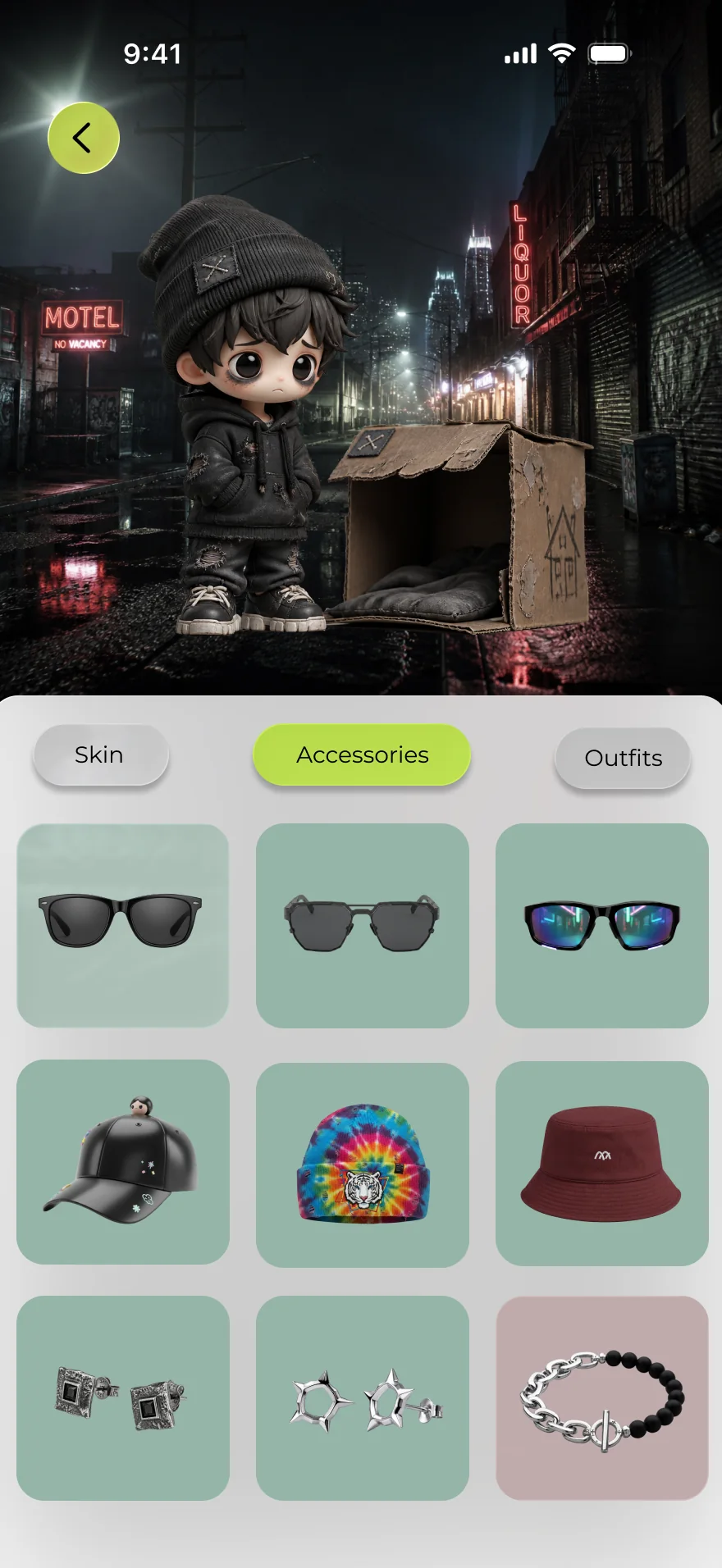
ClosetTap the avatar → equip or redeem items with points → save.
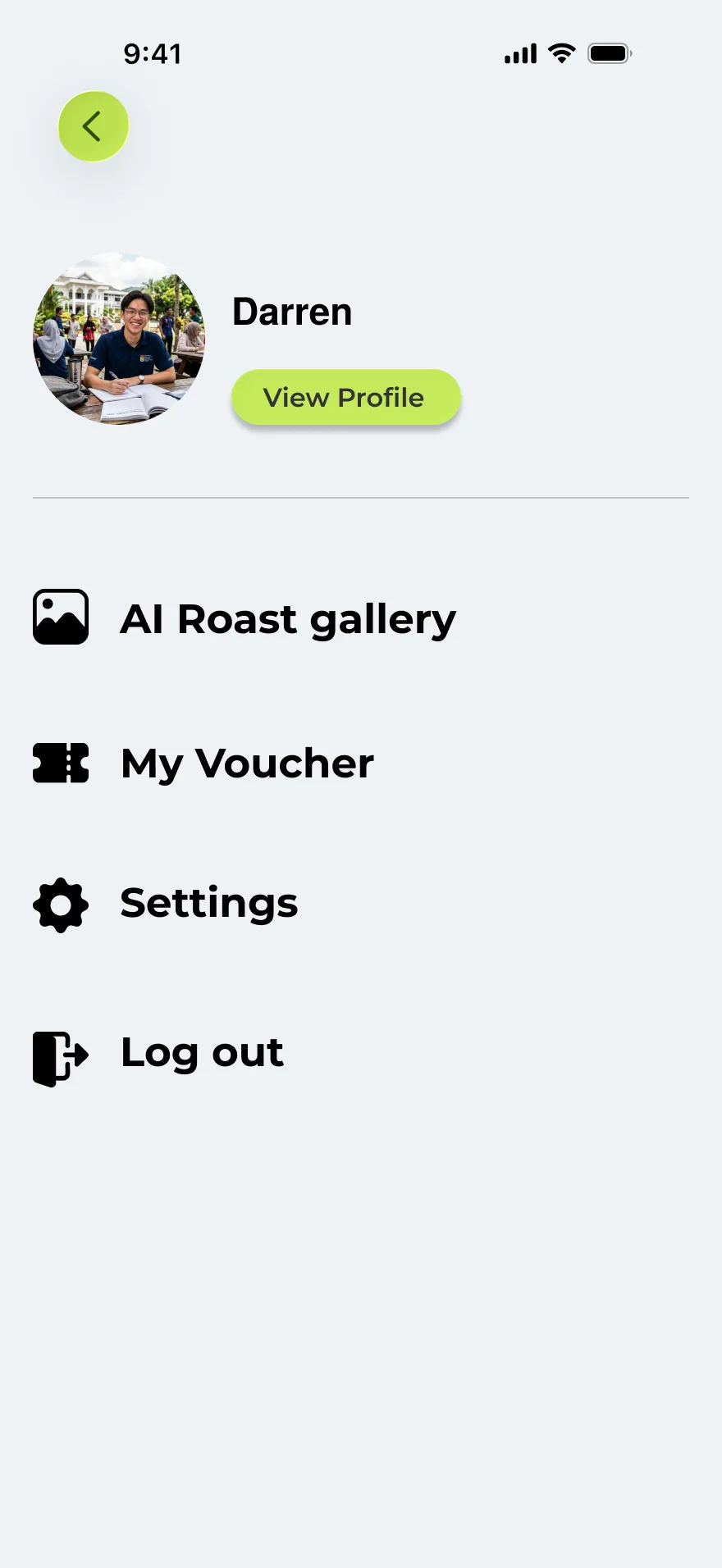
DrawerRoast-card gallery, vouchers redeemed by QR, profile and settings.
Fig. 03The full FigJam map, condensed. Blue marks the only path that costs the future self something.
(05) Design · 01The 72-hour vault
Freeze the purchase, don’t lecture the buyer.
A non-essential purchase is frozen in a block of virtual ice that slowly melts over the cooling-off period. No lecture — just time.
If the timer runs out and you actively choose Abandon purchase, it counts as a successful defence: you earn Willpower Points and keep a No-Spend Streak alive. Resisting has to feel like winning something, not losing something.
Scroll the vault
Step 1 of 2
The 72-hour vault freezes three purchases — an iPhone 17 Pro Max, a Sony PlayStation 5 and AirPods Pro 3 — each counting down before it can be bought again.
Try it Scroll down to the iPhone and tap Force unlock. See how hard the app makes it.
Fig. 04Friction by design: the vault makes you scroll past everything you are about to lose, then asks exactly once more.
(05) Design · 02Future self simulator
Put the cost on someone you care about: your future self.
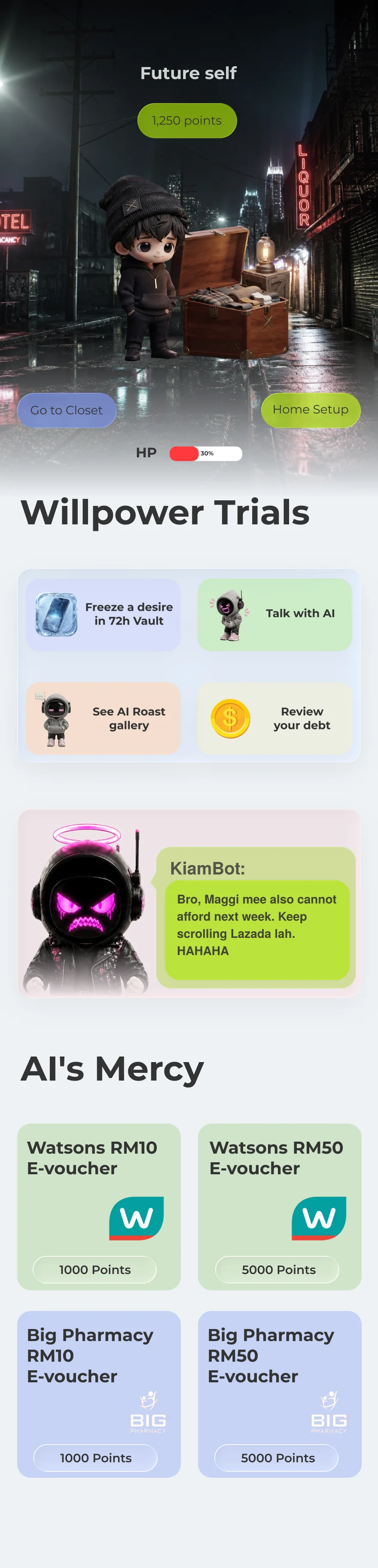
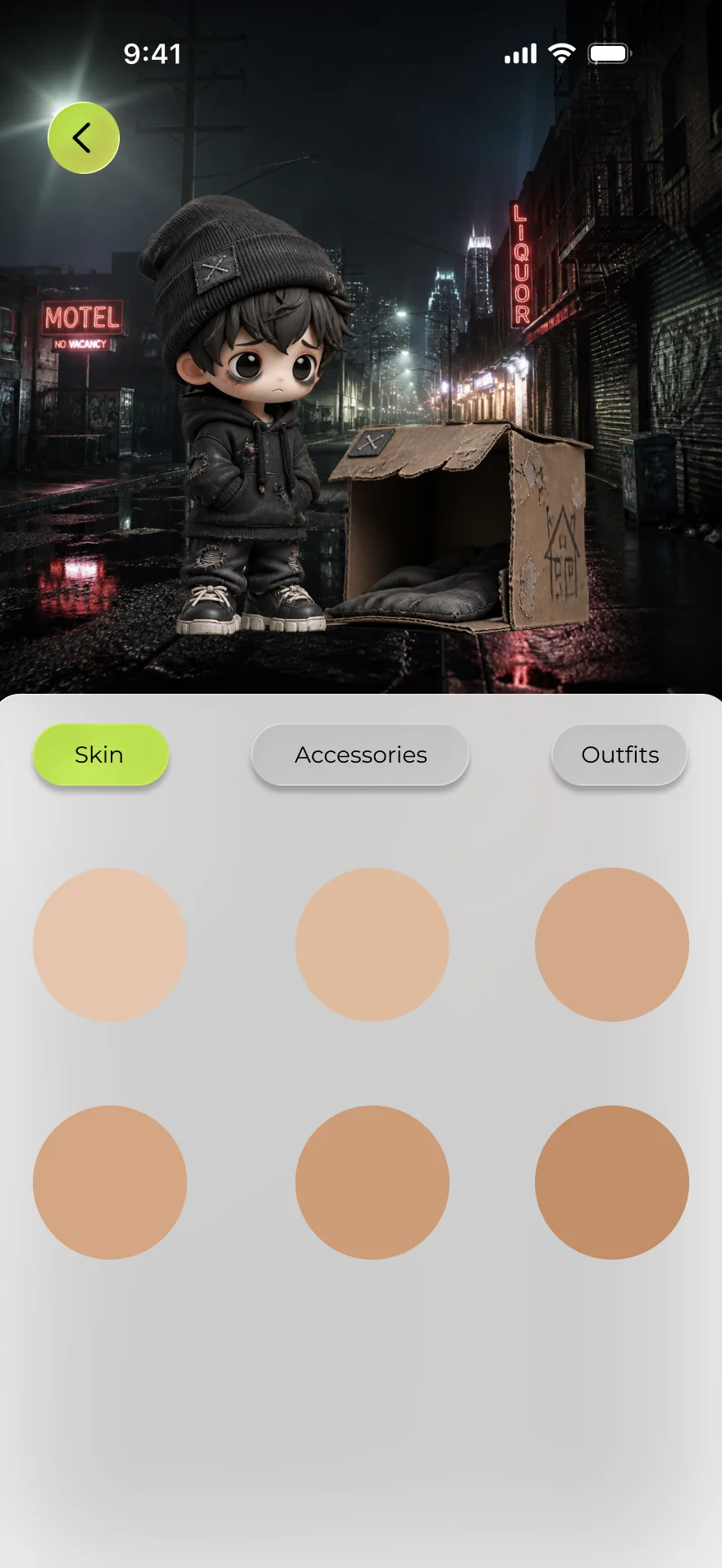
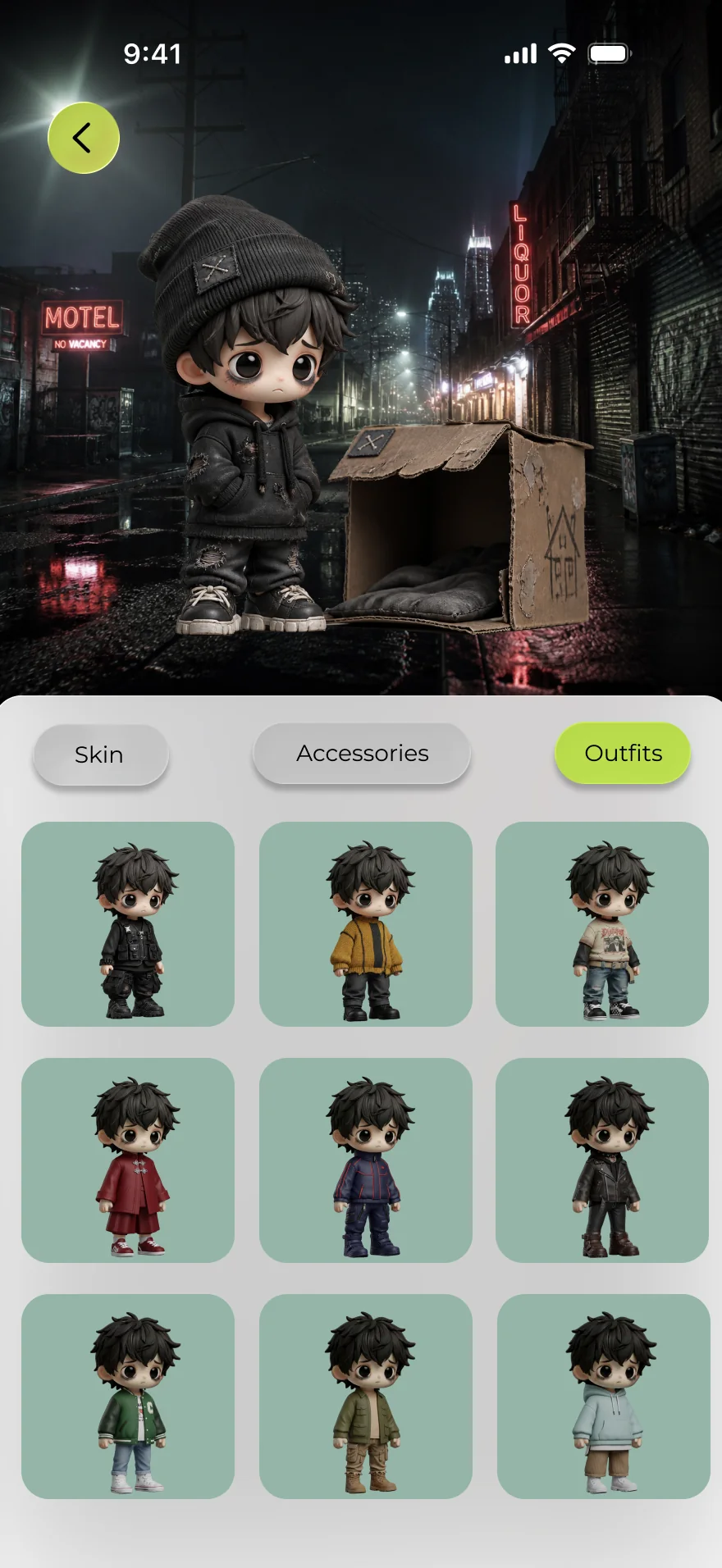
The avatar is you, later: debt drains HP and stamina, thins the hair and dims the room, while saving earns materials to upgrade your future self’s shelter.
It replaced an earlier “debt monster pet” idea, and that was my call. Young people tend to see their future self as a stranger whose problems aren’t theirs. A pet is easy to ignore; your own future life getting worse is not. So the avatar is the user’s own future — from cardboard box to cosy studio.
Scroll inside the phone
Step 1 of 4
The future self sits at 30% HP with 1,250 points. Everything earned here is spent on making that life less bleak.
Try it Tap Go to Closet, then flip between Skin, Accessories and Outfits.
Fig. 05Saving upgrades the shelter and the wardrobe; debt wears your future self down.
(05) Design · 03Sarcastic roast mode
Roast the decision, never the person.
Enter a desired item and the AI becomes a gatekeeping boss that attacks the purchase — you have to defend yourself while it counters with something worse.
The best one-liners become collectible cards — “Premium Dumb of the Year”, “Capitalism’s Favorite Child” — made to be screenshotted and shared. The tone is the design decision: playful enough to wake System 2, never so harsh that it tips into shame.
Scroll the conversation
Step 1 of 5
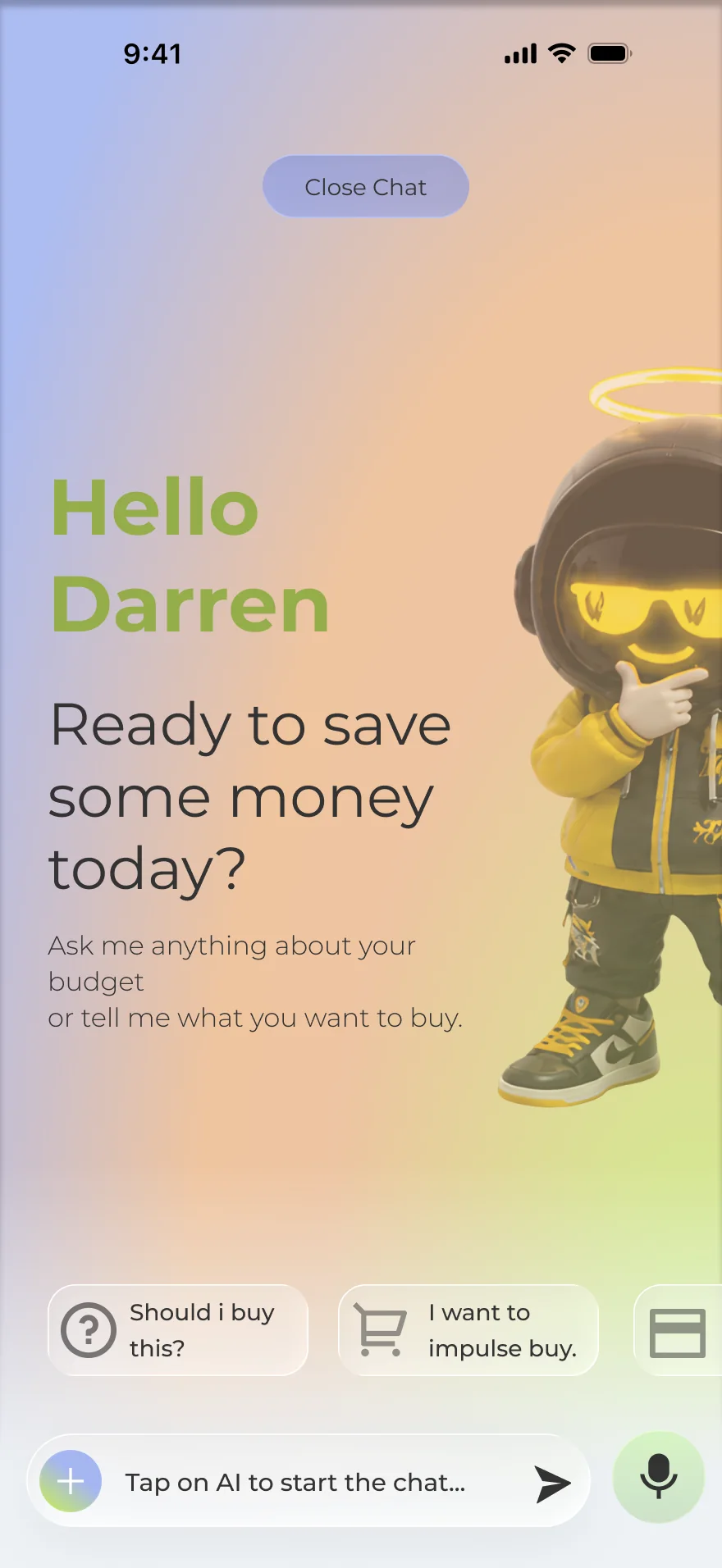
The chat home. Two ways in: start a conversation, or pick a topic the app already has an opinion about.
Try it Tap the screen to move the conversation along, and wait for the verdict.
Fig. 06The app argues with you about the purchase, then hands you a collectible card for the privilege.
(05) Design · 04Opportunity cost visualiser
Same number, given its weight back.
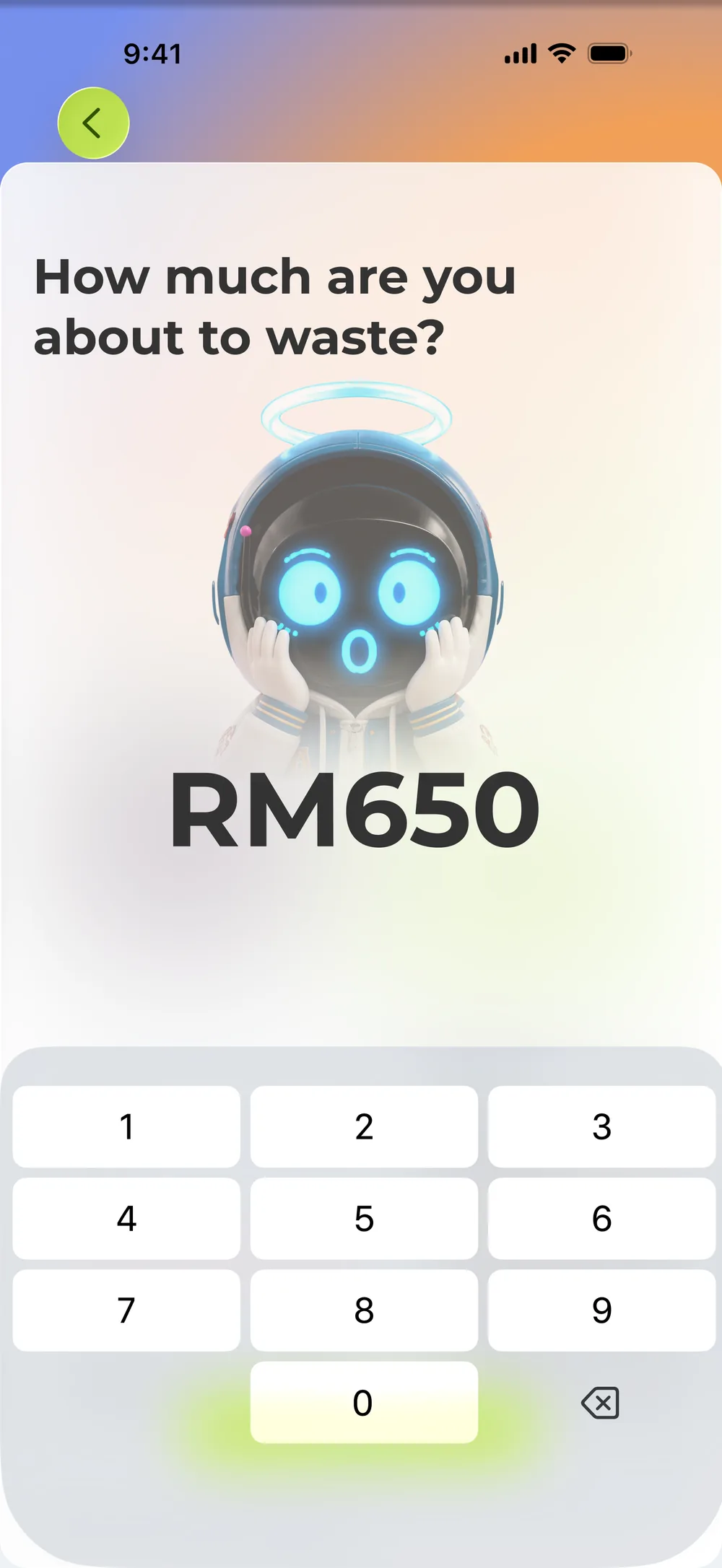
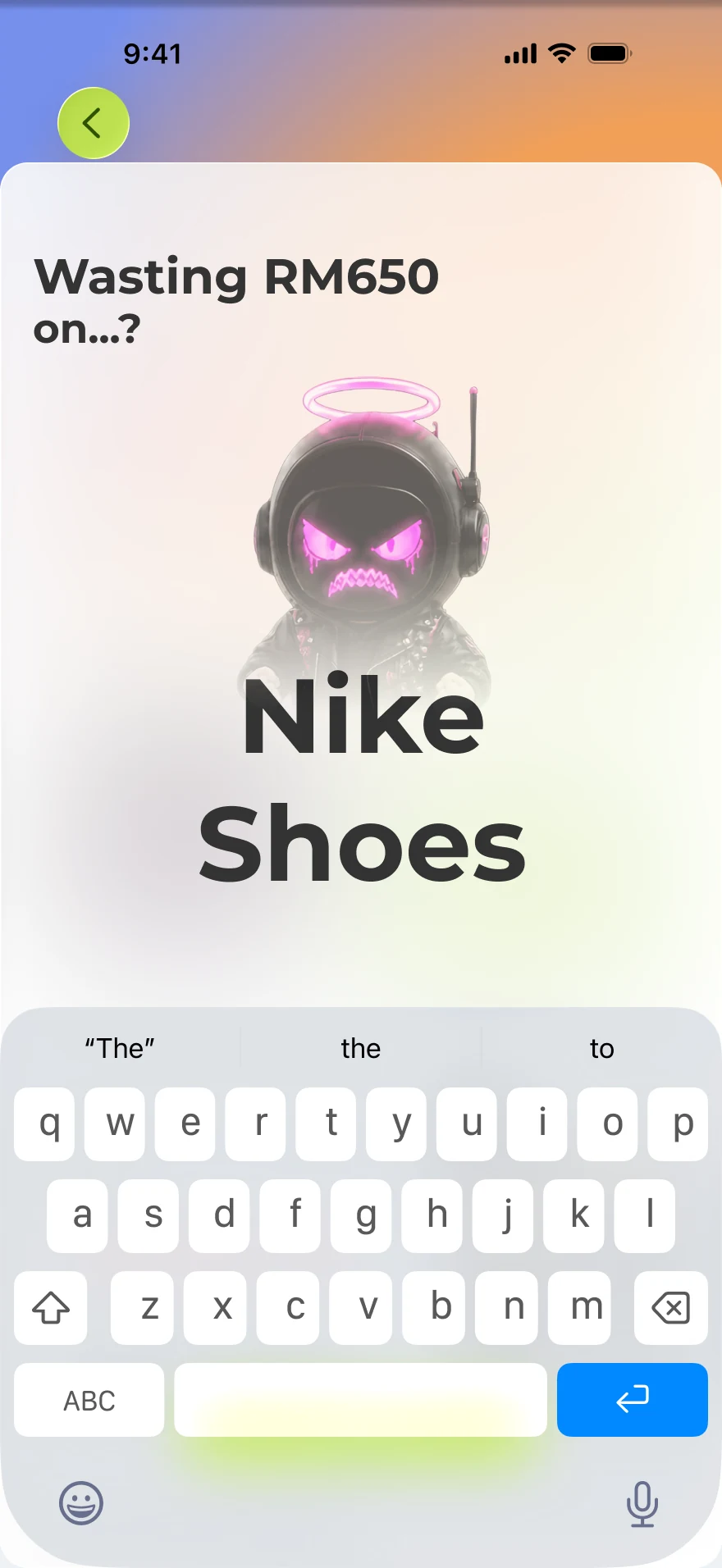
RM is abstract. Plates of nasi lemak and months of a Perodua Axia car loan are not.
Enter an RM shoe purchase and plates rain down under a physics engine until they bury the shoes. Type the amount, name the thing, watch the reveal, then decide.
Tap to continue
Step 1 of 4
Type the amount you are about to spend.
Try it Enter an amount and watch it turn into plates of nasi lemak. Then make the call: Cancel or Still want to buy.
Fig. 07The price stays the same; what changes is what you picture when you read it.
(05) Design · 05Colour language
Six flows, one colour language. Each colour has one job.
I gave each colour a single meaning and held to it across onboarding, the dashboard, the cost visualiser, the future self, the vault and the roast chat, so six separately designed flows still read as one app.
So a screen’s colour tells you how to read it before you read a word: lime when you are winning, blue when the app wants you steady, coral when something is about to cost you.
Lime green #afe607Growth, wealth, permission and success. Energetic, positive reinforcement.
Cornflower blue #7790edRationality, trust, calm and security. Steady, to lower anxiety.
Coral orange #ff8745Warning, alertness and playfulness. Eye-catching, with a slight sense of urgency.
Charcoal #333333Authority and clarity. Softer than pure black, so long reads don’t tire the eye.
Light silver grey #cdd3d1Neutral and quiet. Separates surfaces without adding noise.
Tap to continue
Start
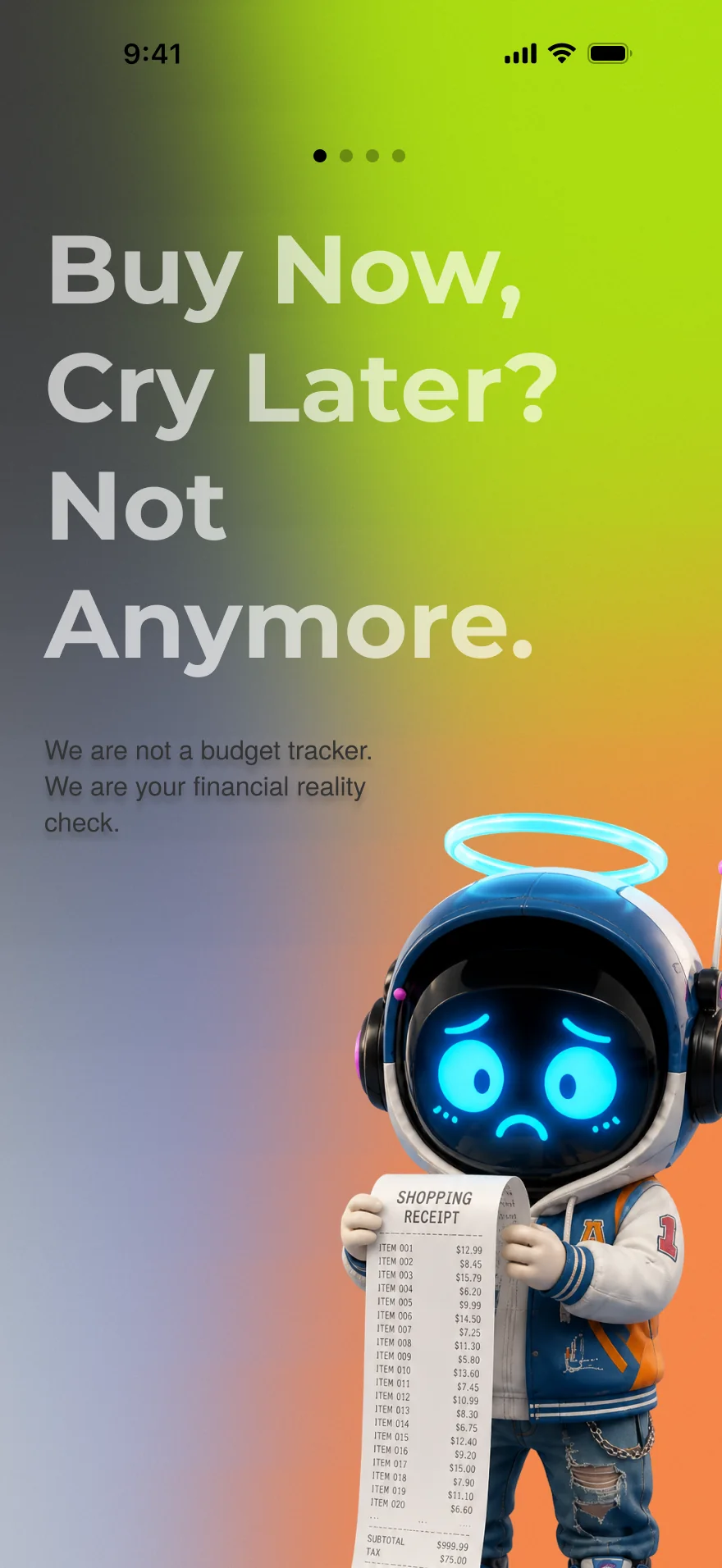
The launch screen: only the Nudge mark on it, and nowhere to go but in.
Try it Tap through the intro, then pick Apple or a new account. Both paths are built.
Fig. 08Onboarding end to end: four carousel slides, three ways into an account, then the two profile questions.
Scroll inside the phone
Step 1 of 5
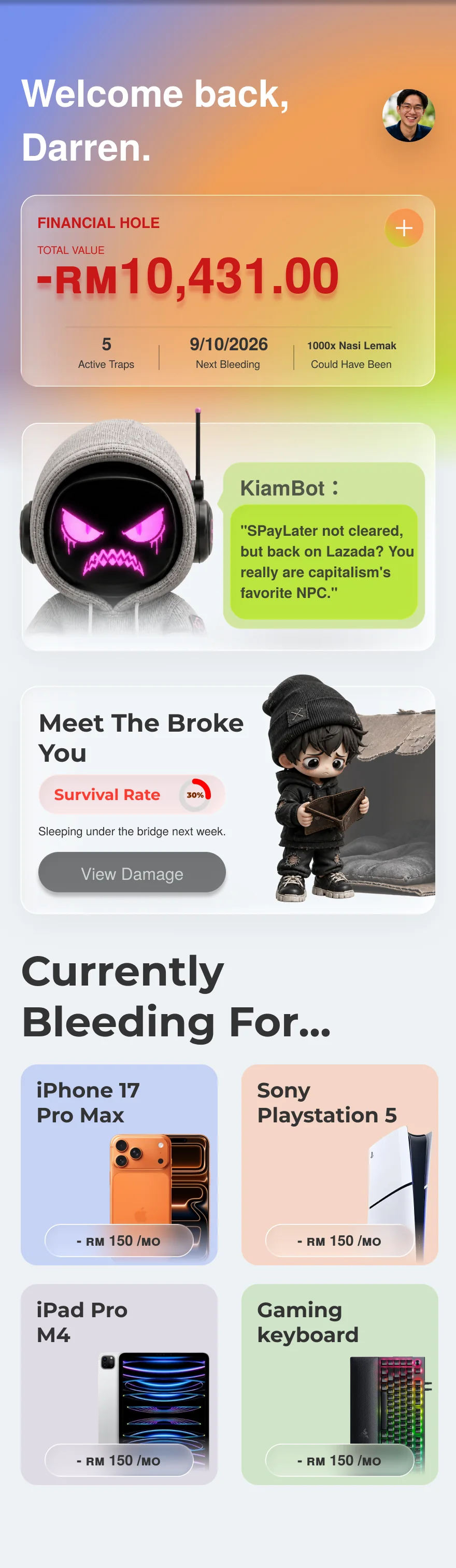
The dashboard leads with the damage rather than encouragement: a financial hole of RM10,431 and the nasi-lemak equivalent of it.
Try it Tap + on Financial Hole to confess a new debt. The avatar opens the account screen.
Fig. 09The dashboard flow: adding a debt is deliberately awkward, and nothing is saved until you review what the app found.
(06) The outcomeGraduate exhibition, 2026
Not just an app — a booth, a film, a brand.
The project was scoped to be shown, not just submitted: four deliverables went out together.
The hi-fidelity Figma prototype, a full brand identity package (logo, colour, typography, icons, poster assets), a narrative short film, and a campus exhibition booth with banners and a screen mirroring the prototype. Social posts carried the same message to the platforms where the impulse usually starts.
Fig. 10The key visual used across the booth, the banners and the posters.
(07) The exhibitionThree days, about 50 testers
About 50 people tried it at the booth. Here is what they said.
Over the three-day graduate exhibition, about 50 visitors and students used the prototype hands-on and told us what worked and what didn’t — the first time Nudge met people outside the team. That was guerrilla testing: good for spotting confusion and gauging the tone, not a controlled study.
Out of 70+ booths in the hall, this is hands down the most unique project. I literally had to bring my friend back just to try the KiamBot roast and experience the concept.
Honestly, when is this launching on the App Store? I desperately need something like this to break my impulsive SPayLater checkout habits.
I’ve never seen an app approach debt like this, not in Malaysia, not anywhere else. Visualizing costs as physical plates of Nasi Lemak makes the financial pain immediate and real.
What the lecturers said
Our supervisor, the Degree in Multimedia programme leader, said the work no longer read as diploma level.
The lecturer who taught us UI/UX rated it the best of the roughly 70 booths.
Another lecturer called the concept advanced, but said the UI was not polished yet and some details had been missed.
(08) Next stepWhat I would test
The concept landed. Next come the details, and a real test.
The critique about missed details is the one I take forward: the next pass is a detail sweep across all six flows, so every number, state and spacing holds from screen to screen.
Alongside it comes a moderated test with 8–10 Malaysian BNPL users aged 18–30, focused on one question: is the vault understood as protection, and does the roast tone land as humour? The answer will shape the next iteration.